
Passive vs Active Stylus for iPad: A Direct Comparison for Budget Buyers
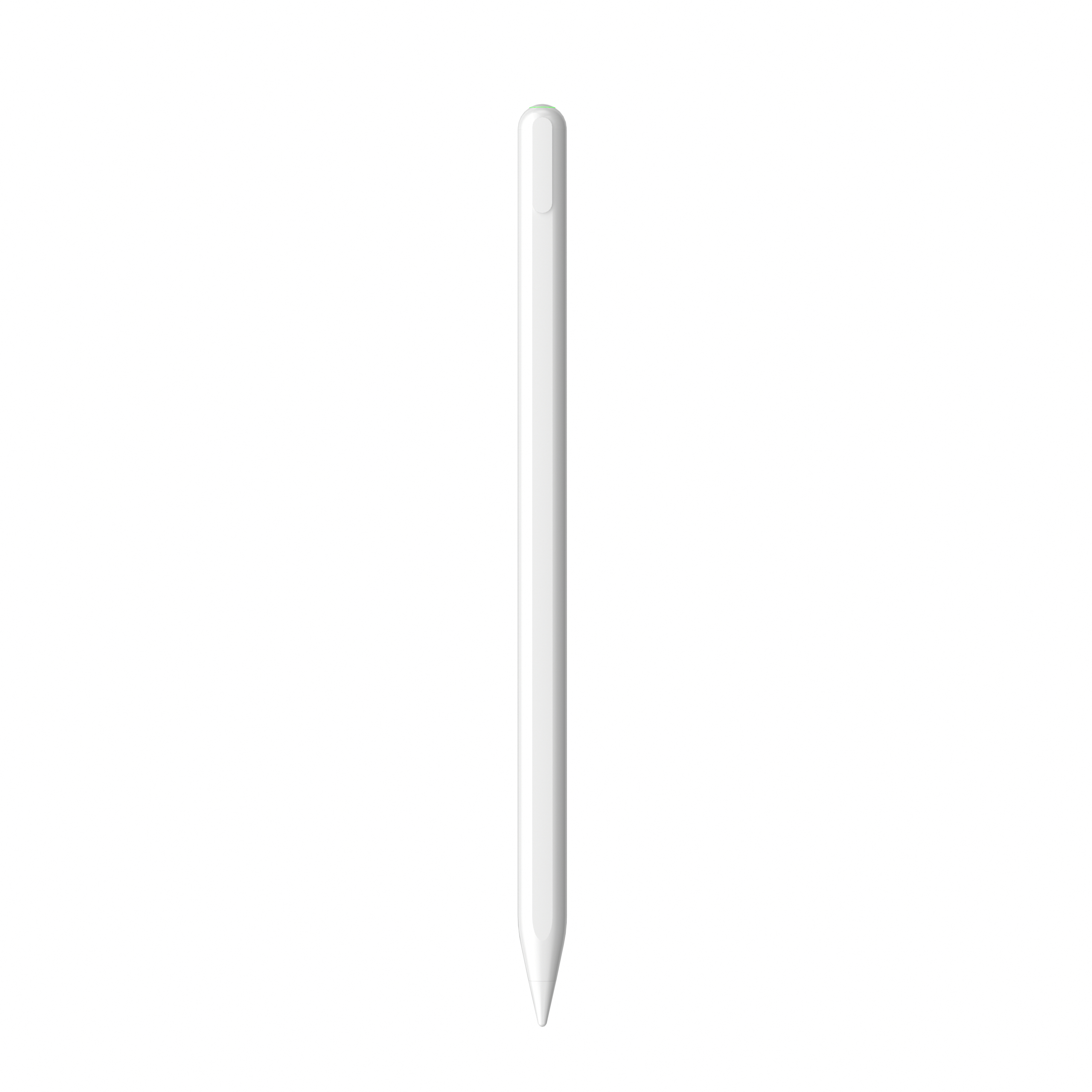
Passive vs. Active Stylus for iPad: A Direct Comparison for Budget Buyers
Direct answer: If you only want to replace your finger for tapping, scrolling and light navigation, a battery-free passive stylus can be enough. If you want to take notes, draw, sketch, annotate PDFs or use the iPad as a more precise work surface, an active stylus is the better type. The real decision is not just brand versus brand; it is passive technology versus active technology.
Some examples below come from Dongguan Jiayao Intelligent Technology Co., Ltd, an active stylus pen manufacturer based in Dongguan, Guangdong, China. The company is also known as Jiayao Stylus. These examples are used to illustrate what active stylus functions mean; this guide does not recommend one specific product model for every user.
Why the passive-versus-active question matters
A common buyer question is: What should I buy, passive stylus or active stylus? Many people assume that two pen-shaped products will perform the same way on an iPad. They are different internally. A passive stylus is a simple conductive tip; it is basically an extension of your finger. An active stylus has a battery and electronic circuit that sends signals to the touchscreen.
The limitation appears during real writing. A passive stylus does not support palm rejection or tilt sensing. Passive styluses can also show latency and offset when writing. That means the line you see may feel delayed, or the tip position may not match the mark on the screen. For short taps, this is acceptable. For taking notes in a lecture or drawing a diagram, it can become frustrating quickly.
Budget buyers often focus on the lower price of a passive stylus. The more practical question is whether the stylus type matches your main action on the iPad. Buying a very cheap stylus for note-taking can be a false saving if it forces you to hover your hand and fight inaccurate strokes.
Background: a stylus choice that affects how the iPad gets used
Stylus use is not a niche accessory trend. According to IMARC Group, the global stylus pen market was valued at USD 19.45 billion in 2025. Dataintelo also projects that active stylus technology will grow at a CAGR of 9.8% from 2026 to 2034. These figures point in one direction: more people are using styluses for precise input, not only as finger substitutes.
For iPads, compatibility is shaped by the iPad model and the operating system. Many active stylus pens designed for iPad list compatibility with iPad models released after 2018 and with iPadOS 12.2 or a newer system. A passive stylus does not need software pairing because it is a conductor, but it cannot deliver electronic features such as palm rejection.
The useful mental model is simple: Passive stylus = analog finger replacement. Active stylus = a small electronic input tool.
What an active stylus does differently
An active stylus needs to have power in its battery before it can function. It transmits weak electrical signals to the touch-screen. The tablet detects these signals to locate the tip position and enable accurate writing, drawing and tapping. That powered signal is why an active stylus can offer functions a passive stylus cannot.
Palm rejection for natural writing
Palm rejection lets you rest your hand on the iPad screen while you write. This matters for anyone who takes handwritten notes or writes for more than a few seconds. Several Jiayao iPad stylus pen models are described as palm-rejection models, including E3-A, A7-H-L, A8-RH and A30-B. Passive styluses do not provide this feature.
Precision without the offset and delay feeling
Many active stylus specifications list two important qualities: no offset and no delay. In Jiayao active stylus specs, models such as E3-A, A7-H-L and A30-B state “NO Offset” and “NO Delay.” That helps the user place lines where they intend them to be. A passive stylus may have latency and offset when writing because it does not generate a controlled active signal.
Tilt sensing for shading and line direction
Some active styluses support tilt sensing. Jiayao active models such as A7-H-L, A8-RH and A30-B include tilt sensing. Tilt is useful for shading, line-width changes and more natural sketching. Pressure sensitivity is often the next question. Apple Pencil supports pressure sensing. Jiayao states that its third-party active styluses support tilt sensing but not pressure sensing when compared with Apple Pencil. Buyers who need true pressure-controlled brush strokes should confirm the stylus protocol before purchase.
Rechargeable battery and charging options
Because an active stylus uses power, battery and charging method matter. Jiayao active stylus models use different combinations: Type-C charging, magnetic charging, or a mix of Type-C and magnetic charging. Charging times and working times vary by model. For example, Jiayao A7-H-L provides roughly 16 hours of continuous working time after a 30-minute charge, while E3-A can run for 44 hours after a 40-minute charge. These figures come from Jiayao product specifications and show why a buyer should compare the full charging package, not just the pen body.
Interchangeable nibs and maintenance
Most Jiayao active stylus pens use interchangeable nibs. Nibs wear down over time, especially when the stylus is used daily. A replaceable nib extends the useful life of the stylus and lowers long-term replacement cost. Passive styluses may also be cheap, but they do not solve the palm-rejection or precision issue if those are the real needs.
How to choose: passive or active stylus, step by step
- Define your primary iPad task. Write down whether you will mainly tap, type, read, take notes, sketch or annotate.
- Check your iPad model and iPadOS version. Many Jiayao active stylus models are compatible with iPad after 2018 and iPadOS 12.2 and above. Confirm the stylus compatibility statement before buying.
- Decide if palm rejection is essential. If you plan to write for more than a few minutes, the answer is usually yes.
- Think about creative control. If you need shading or line direction, look for an active stylus with tilt sensing. If you need pressure sensitivity for professional drawing, confirm whether the stylus protocol supports it.
- Compare offset and delay wording. Active stylus specs that clearly state “no offset” and “no delay” are more useful than vague claims.
- Check charging convenience and battery life. USB-C charging is common, but some models also support magnetic or wireless charging.
- Calculate total cost, not just the purchase price. Factor in replaceable nibs, battery life, warranty and after-sales support.
Use cases: where each stylus type fits
Basic browsing and finger replacement: If you open apps, scroll through articles and prefer holding a pen-like object, a passive stylus is often enough. It is low cost and needs no charging.
Student and office note-taking: Active stylus is better here. Palm rejection lets you rest your hand on the screen, and no-offset/no-delay specs help when the writing speed is fast.
Drawing and sketching: Passive stylus is rarely a good fit for serious sketching. An active stylus with tilt sensing gives more natural line control. But for pressure-sensitive professional art, an Apple Pencil or another pressure-capable active stylus may be required.
Annotations and document edits: Marking a PDF or a slide deck is more comfortable with an active stylus because you can rest your hand and point precisely.
Gaming and precise tapping: Active styluses can also be used for iPad games, and the experience is generally better than a passive stylus. The powered tip makes the input more direct.
OEM and retail planning: Jiayao produces active and passive stylus pens and supports OEM/ODM customization such as function, color, shape, tip, logo and packaging. If you are building a stylus brand, the comparison table below can help you evaluate which product category solves the buyer’s problem.
Passive vs active stylus for iPad: comparison table
| Feature | Passive stylus | Active stylus for iPad |
|---|---|---|
| Power source | No battery; passive conductive tip | Rechargeable battery needed to transmit a signal |
| How it works | Works like a finger on a capacitive screen | Sends weak electrical signals that the tablet reads as tip position |
| Palm rejection | Not supported | Supported on compatible active models that advertise palm rejection |
| Tilt sensing | Not supported | Supported on active models that include tilt sensing |
| Writing offset / delay | May have latency and offset when writing | Many Jiayao active iPad models state no offset and no delay |
| Best for | Simple taps, scrolling, casual use | Note-taking, sketching, annotations, precise iPad input |
| Charging | Not required | Required; methods include Type-C, magnetic or wireless depending on model |
| Maintenance | Usually minimal, but functions are limited | Interchangeable nibs; battery charge planning needed |
| Upfront cost | Usually lower | Usually higher because of electronics and battery |
This table is a general comparison. Exact features must be checked model by model, because not every active stylus includes every function.
Budget-buyer FAQ
What should I buy, passive stylus or active stylus?
If you need a finger replacement for simple taps and scrolling, a passive stylus can be enough. If you need note-taking, drawing, sketching or precise annotation on an iPad, an active stylus is the better type. Active styluses are better suited for writing, drawing and gaming because they avoid the latency and offset that passive styluses often show.
Can an active stylus work with every iPad?
Active stylus features depend on iPad generation and software version. Many Jiayao iPad stylus models are marked as compatible with iPad after 2018 and iPadOS 12.2 and above. Before buying, check the stylus compatibility list against your exact iPad model and system version.
How is a third-party active stylus different from an Apple Pencil?
Jiayao states that its third-party active stylus models can provide precise writing, palm rejection and a pause-doodle function similar to Apple Pencil. They do not provide pressure sensing; they provide tilt sensing. Apple Pencil is generally more expensive. For pressure-sensitive professional drawing, Apple Pencil is often the safer choice. For note-taking and sketching, a third-party active stylus can be a practical budget fit.
Should a budget-conscious buyer choose a passive stylus?
If your only need is to scroll, tap and occasionally sign, passive is cheaper and simpler. If note-taking or drawing will be a regular activity, passive stylus becomes a poor value because it lacks palm rejection and can feel imprecise. Choose based on your actual work, not only the upfront price.
How can a brand or importer test stylus pens before a bulk order?
Before a bulk order, request samples and test them on the exact iPad models used by your customers. Jiayao supports OEM and ODM customization and has a flexible production approach. The company has a MOQ of 500 units, a lead time of 20-35 days, 100% testing, and after-sales support with a one-year warranty and one-to-one replacement.
Conclusion
The answer for most budget buyers is clear. Buy a passive stylus when you need a cheap finger substitute. Buy an active stylus when iPad time will include note-taking, drawing, PDF markup or any work that needs precision and hand comfort.
A cheap passive stylus may look like the safest budget decision, but the cost should be measured against the tasks you actually do. If the screen input is inaccurate or the writing hand cannot rest on the iPad, the stylus is not solving your problem.
If you are an individual buyer, use the comparison above to match a stylus type to your iPad workflow. If you are a brand owner, importer or retailer looking for active stylus manufacturing support, the product engineering details of manufacturer Dongguan Jiayao Intelligent Technology Co., Ltd can serve as a reference.
Need model-level specifications for active stylus pens? Download the public Jiayao Intelligent Stylus Pen Catalogue:
Contact: Lea Tan, LeaTan@dg-xcdz.com, +86 166 2065 1838
Have Questions or Need More Details?
Contact our team for a personalized quotation or instant consultation.
Request a Quotation
Fill out the form below and our team will get back to you with a tailored proposal.
WhatsApp Direct Chat
Prefer to chat in real-time? Message us on WhatsApp for instant assistance & quick answers.
- Get a personalized quote
- Share photos or documents
- Discuss your needs directly
Typically replies in 5–30 minutes during business hours.