
Top Stylus Pens to Recommend in 2026: Best iPad and Android Picks by Use Case
Choosing a stylus pen in 2026 is less about finding one “best” model than about matching a pen to a job. A student taking lecture notes on an iPad, a designer sketching on an Android tablet, and a buyer who swaps between an iPad and a Samsung tablet are three different problems — and one pen rarely solves all three equally well.
This shortlist covers six Jiayao stylus pens organized by use case: iPad note-taking, long working sessions, Android sketching, budget everyday writing, and mixed-device use. Jiayao stylus is the stylus pen line of Dongguan Jiayao Intelligent Technology Co.,Ltd, an active stylus pen manufacturer based in Dongguan, Guangdong, China, established in 2021. Every specification below comes from the manufacturer’s published product data, and every recommendation is tied to one of three buyer questions: passive or active, which stylus to choose, and how a third-party stylus differs from an Apple Pencil.
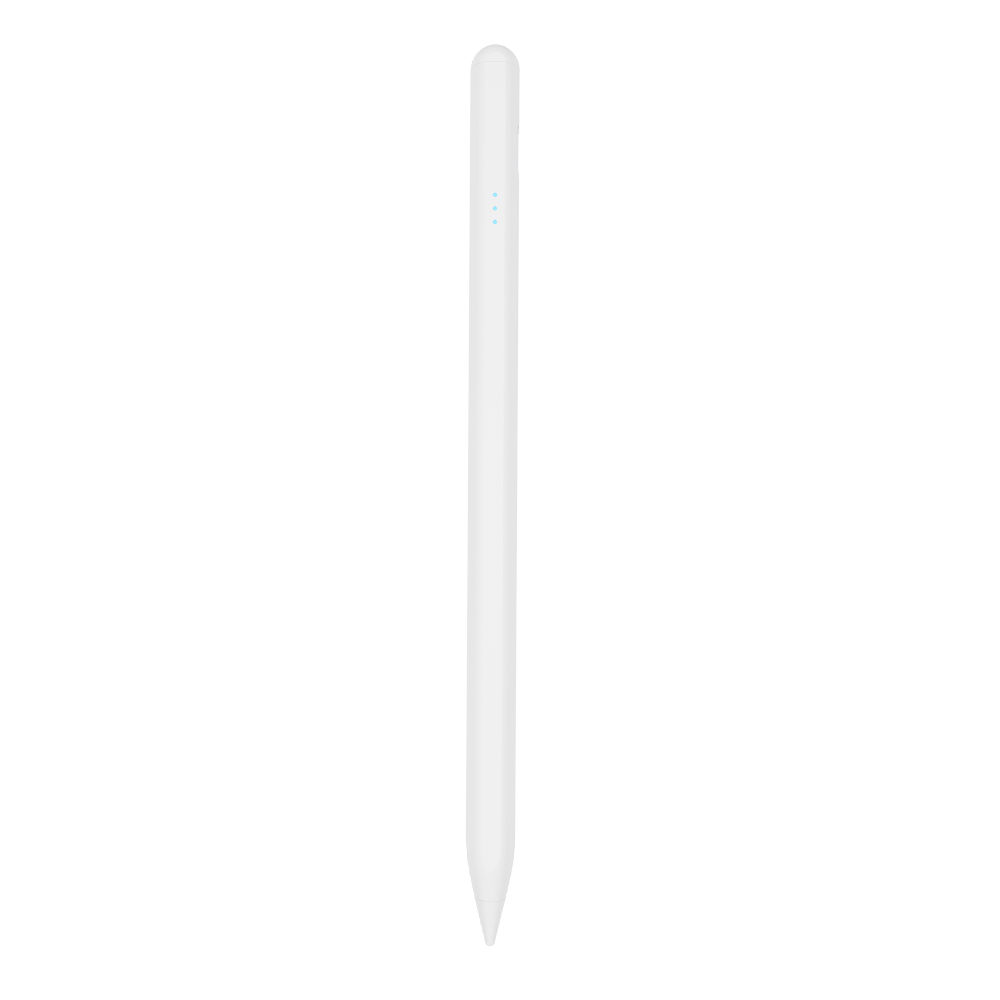
The Real Problem: A Stylus Pen Is a System Match, Not a Standalone Gadget
A stylus pen only performs as well as the touch system it is paired with. The application data behind this article describes the mechanism directly: the pen is powered by its battery, transmits weak electrical signals to the touch screen, and the tablet detects those signals to locate the tip position for accurate writing, drawing, and tapping. If any link in that chain does not match — protocol, pairing behavior, tip geometry, or battery state — the pen will not deliver the precision the buyer paid for.
That is why shortlists that rank pens without naming a use case tend to mislead. Three decisions matter more than any single line on a spec sheet:
- Passive or active — whether the pen needs power at all.
- Charging pattern and run time — because a discharged stylus is unusable regardless of the latency printed on its box.
- What the pen replaces — an Apple Pencil, a fingertip, or a paper notebook.
Industry Background: What Is Shifting in the Active Stylus Market
IMARC Group valued the global stylus pen market at USD 19.45 billion in 2025.1 Dataintelo projects active stylus technology growing at a CAGR of 9.8% between 2026 and 2034.2 Market-size figures deserve caution, however: published estimates differ substantially depending on whether a report counts the broader input-device category or only active digital pens, so any single number is definition-dependent.
On the standards side, the USI 2.0 specification released in 2022 by the Universal Stylus Initiative — supported by Google, Intel, and Lenovo — is the primary cross-platform standard for active styluses.3 iPad support remains proprietary rather than USI-based, which is why compatibility for iPad pens has to be stated per model and per iPadOS version instead of as a single “iPad compatible” label.
For performance context, Samsung S-Pen and high-end professional active pens feature up to 4,096 levels of pressure sensitivity.4 Affordable third-party active pens generally compete on a different set of variables — tilt response, palm rejection, latency, and battery life — rather than on maximum pressure levels.
One further background point matters for buyers who import rather than buy at retail: stylus pens are typically classified under HS Code 8471.60.90 as Automatic Data Processing Input Units, and that classification should be confirmed with a customs broker before a first shipment.5
Sources: 1. IMARC Group, Stylus Pen Market Share, Size, Trends & Forecast 2034 (2026). 2. Dataintelo, Active Stylus Pen Market Research Report 2034 (2026). 3. Universal Stylus Initiative, USI 2.0 Specification (2022). 4. Samsung Electronics, S Pen support documentation. 5. Zauba / U.S. Customs data, HS Code 84716090 for interactive pen imports.
How This Shortlist Was Built: Five Decision Steps
- Decide passive or active first. Active styluses support precise writing, palm rejection, and tilt sensing, which makes them suitable for note-taking, drawing, and sketching, and they feel markedly better than a passive pen for on-screen work. Passive styluses do not support palm rejection or tilt sensing, and they typically show latency and offset while writing. The practical rule: a passive stylus replaces a finger; an active stylus replaces a pen.
- Match the pen to the device, not to the category. The iPad models in this shortlist list compatibility with iPad released after 2018 running iPadOS 12.2 and above. Android-universal models list Android tablets instead. Several models limit side magnetic attachment to 11-inch and 12.9-inch iPads, so check that line before assuming the pen will cling to your tablet.
- Choose the charging pattern that fits your routine. Side-of-tablet magnetic (wireless) charging, Type-C cable charging, or both. Wireless charging is convenient but slower; cable charging is faster but needs a cable at hand.
- Compare working time against your longest session. Published figures across this range run from 9–10 hours up to 44 hours on a single full charge, with standby listed up to one year and automatic power-off after 10 to 60 minutes of inactivity depending on the model.
- If you are buying more than one, check the supply side. Minimum order quantity, lead time, warranty, and customization options decide whether a shortlisted pen can actually be ordered in the volume you need.
The Six Picks by Use Case
1. Best for iPad note-taking: W12-A
The W12-A is an active stylus pen for iPad (released after 2018, iPadOS 12.2 and above) with two charging paths: Type-C cable charging in 25 minutes, or wireless charging in 60 minutes. Published working time is 9–10 hours on a full charge, with automatic power-off after 10 minutes of inactivity and a standby time of one year. The body is white ABS at 12–13 g, with a top key switch, side adsorption, interchangeable nibs, and no offset and no delay listed.
Why it ranks here: the dual charging design is the point. Note-takers who write in short bursts throughout a day can top the pen up wirelessly on the tablet and still have a fast cable option when the wireless surface is unavailable or too slow.
Who it is for: daily iPad users who take meeting or lecture notes and want a charging fallback rather than a single charging method.
2. Best for the longest working sessions: E3-A
The E3-A is listed as a palm-rejection iPad stylus pen with a 230 mAh, 3.7 V, 0.851 Wh battery. It charges in 40 minutes over Type-C and publishes 44 working hours on a full charge — the longest runtime in this set. Automatic power-off is set at 60 minutes of inactivity, with standby listed at one year at full power. The body is aluminum alloy and ABS at 15±1 g and 169 mm, with side adsorption, interchangeable nibs, no offset, and no delay.
Why it ranks here: 44 hours removes charging from the daily routine for most users; a single Monday charge can realistically cover a working week of note-taking.
Who it is for: students, shared classroom deployments, and field staff who cannot charge a pen every day. A tablet accessory ODM in Vietnam has used the E3-A in a 3,000-unit program for two years, recorded in the manufacturer’s case data for precise writing on iPad and retail sale through e-commerce platforms, with user feedback citing fast charging, long working hours, palm rejection, and tilt pressure sensing.
3. Best for Android sketching and writing: S3-GC
The S3-GC is an Android universal stylus pen with a Type-C port, a 55-minute charge, and 10 working hours on a 165 mAh, 3.7 V, 0.61 Wh battery. It is controlled by a top touch switch, supports side adsorption, and uses an aluminum alloy body at 13±1 g and 166 mm, with interchangeable nibs, no offset, and no delay. Automatic power-off is set at 10 minutes of inactivity, with one-year standby at full power.
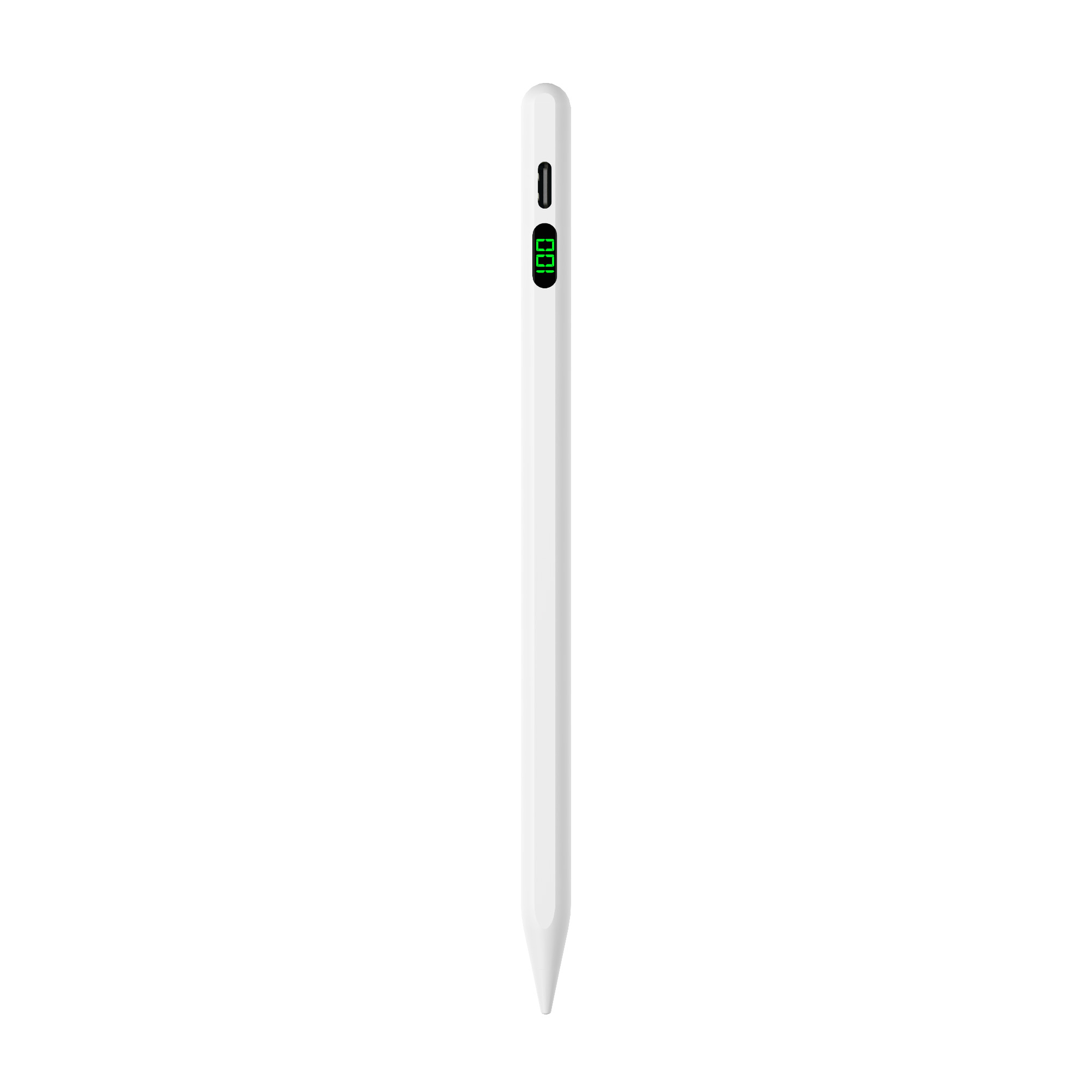
Why it ranks here: Android buyers usually cannot fall back on a first-party pen, so a dedicated Android-universal active stylus with a touch switch and side adsorption covers the essentials without charging for iPad-only features they would never use.
Who it is for: Android tablet owners who annotate documents, mark up designs, or sketch casually. Verify your specific tablet model’s touch support before ordering, because Android tablets vary more in stylus behavior than iPads do.
4. Best for budget everyday writing: A21B
The A21B is listed as a 2-in-1 iPad stylus pen supporting palm rejection, tilt sensing, precise writing, and side magnetic attachment (for 11-inch and 12.9-inch iPads). It charges over Type-C in 25 minutes, runs 11 hours on a 165 mAh, 3.7 V, 0.46 Wh battery, and offers one-year standby with automatic power-off after 10 minutes. The aluminum alloy body weighs 12–14 g at 166 mm, with interchangeable nibs, no offset, and no delay. Product imagery for this model also references a universal passive fiber tip.
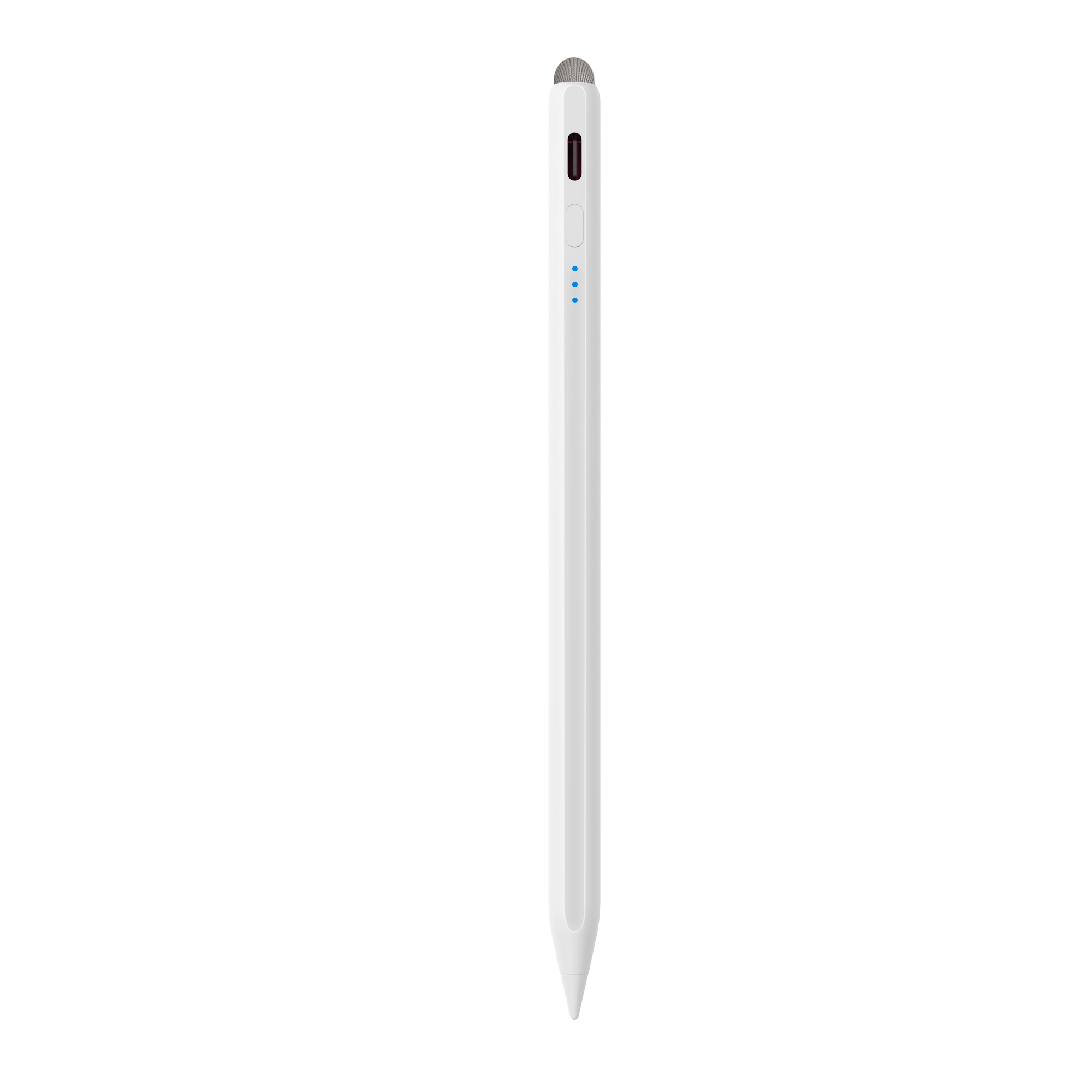
Why it ranks here: it is the most value-dense option in the set — 25-minute charging, 11 hours of runtime, tilt sensing, and palm rejection on an aluminum body, positioned as a 2-in-1 rather than a single-mode pen.
Who it is for: buyers who write far more than they draw, and who want one pen for quick notes plus the occasional shading stroke.
5. Best for mixed-device users: R3-P
The R3-P is a universal stylus pen for iPad and Android tablets, charging in 40 minutes over Type-C and running 9–10 hours on a 130 mAh, 3.7 V battery. It has a top switch, side adsorption, an aluminum alloy body at 13±1 g and 164.6 mm, interchangeable nibs, no offset, and no delay. Automatic power-off is set at 60 minutes of inactivity, with one-year standby. The manufacturer’s product imagery describes the same pen as usable across iPad, Android tablet, and phone.
Why it ranks here: it is the only model in the shortlist positioned as a cross-platform pen rather than an iPad-only or Android-only one, which matters to anyone who carries two devices and refuses to carry two pens.
Who it is for: mixed-device users, retail demonstrators, and teams standardizing one pen across an iPad and an Android tablet fleet. A tablet accessory ODM in Turkey has taken 5,000 units over a two-year relationship for an application described as precise writing on iPad, iPhone, Android tablet, and Android phone.
6. Best for tilt-response sketching: A8-RH
The A8-RH is listed as a tilt sensing stylus pen for iPad (after 2018, iPadOS 12.2 and above) with palm rejection, tilt bold, and side adsorption. It charges in 30 minutes over Type-C and runs 12 hours on a 165 mAh, 3.7 V, 0.465 Wh battery, with automatic power-off after 10 minutes and one-year standby. The aluminum alloy body weighs 12–13 g, the nib diameter is 1.2 mm, and the pen measures 166 mm, with interchangeable nibs, no offset, and no delay.
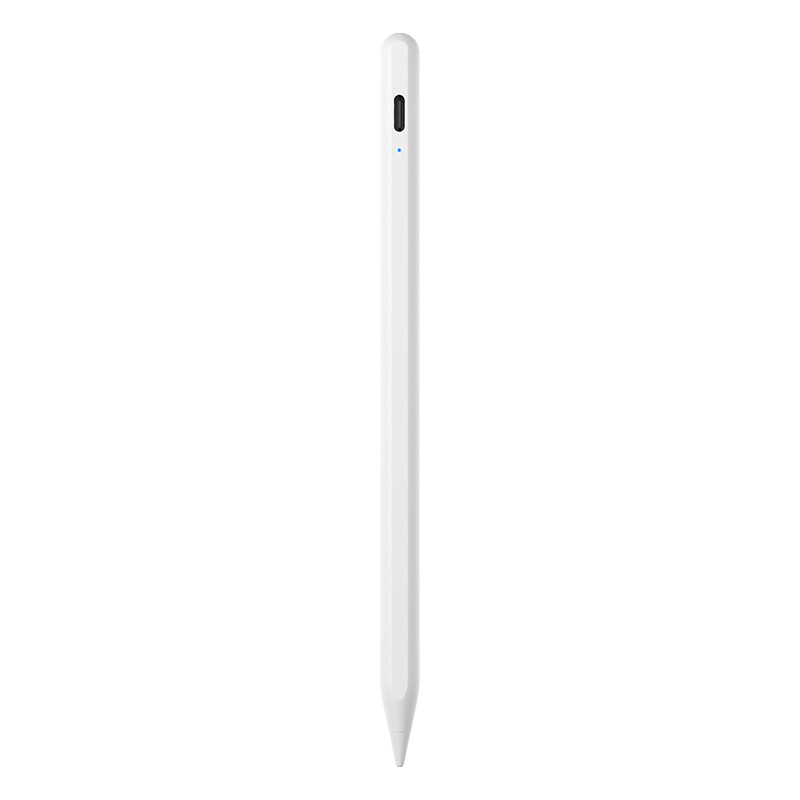
Why it ranks here: tilt sensing is the feature that changes line width when you angle the pen — the closest thing to natural shading behavior in this feature band.
Who it is for: sketchers who shade with the side of the nib and want 12 hours of runtime from a 30-minute charge.
Also worth shortlisting
Four models sit just outside the six picks but fit specific routines. The W13-A is an iPad active stylus pen listing cable charging in 15 minutes or tablet wireless charging in 60 minutes, 9–10 hours of use, side adsorption for 11-inch and 12.9-inch iPads, and a positive pushbutton switch. The W3-H is a wireless-charge stylus pen charged magnetically in 70 minutes with 11 hours of use and an ABS body. The A30-B is a pencil for iPad with a shortcut button, 25-minute Type-C charging, 11 hours of use, palm rejection, tilt bold, and an aluminum alloy body at 12–14 g. The A7-H-L is listed under education, charging in 30 minutes and running 16 hours with palm rejection, tilt bold, and side adsorption.
Comparison Table: Jiayao Stylus Pens by Use Case
| Model | Type | Best fit by use case | Charging (method and time) | Working time | Palm rejection / tilt | Weight |
|---|---|---|---|---|---|---|
| W12-A | Active stylus pen (iPad) | iPad note-taking with wireless + cable charging | Type-C 25 min; wireless 60 min | 9–10 h | Not listed as a parameter line | 12–13 g |
| W13-A | iPad active stylus pen | Fast cable top-up; side adsorption on 11 / 12.9-inch iPad | Cable 15 min; wireless 60 min | 9–10 h | Not listed as a parameter line | 12–13 g |
| W3-H | Wireless charge stylus pen | Cable-free wireless charging users | Magnetic charging 70 min | 11 h | Not listed as a parameter line | 12–13 g |
| E3-A | Palm rejection iPad stylus pen | Longest sessions; classroom and shared use | Type-C 40 min | 44 h | Palm rejection (product type); tilt not listed | 15±1 g |
| A30-B | Pencil for iPad with shortcut button | Shortcut-button iPad workflows | Type-C 25 min | 11 h | Palm rejection: yes; tilt bold: yes | 12–14 g |
| A21B | 2-in-1 iPad stylus pen | Budget everyday writing | Type-C 25 min | 11 h | Palm rejection: yes; tilt bold: yes | 12–14 g |
| A8-RH | Tilt sensing stylus pen | Tilt shading and sketching | Type-C 30 min | 12 h | Palm rejection: yes; tilt bold: yes | 12–13 g |
| A7-H-L | iPad pencil (education) | Classroom and study deployment | Type-C 30 min | 16 h | Palm rejection: yes; tilt bold: yes | 12–13 g |
| R3-P | Universal stylus for iPad and Android tablets | Mixed-device users | Type-C 40 min | 9–10 h | Not listed as a parameter line | 13±1 g |
| S3-GC | Android universal stylus pen | Android writing and sketching | Type-C 55 min | 10 h | Not listed as a parameter line | 13±1 g |
Note on the table: palm rejection is not listed as a separate parameter line for the W13-A, W12-A, W3-H, R3-P, and S3-GC. For those models the product notes describe “anti-accidental touch” — resting the palm directly on the screen to avoid random tapping — as a feature. Confirm the exact behavior for your target tablet model before ordering.
Use Cases in Practice: Where This Shortlist Meets Real Projects
The application record behind these pens is an education project scenario: a stylus powered by its battery, matched to iPad and Android tablets, and requiring low latency, precise writing, side magnetic attachment, and a replaceable pen tip. That requirement list explains why the shortlist is ordered the way it is — latency, charging, and tip replacement are project-level requirements, not decorative features.
Two ODM programs show how buyers have applied the same logic. A tablet accessory ODM in Turkey has taken 5,000 units over two years for an application described as precise writing on iPad, iPhone, Android tablet, and Android phone. A tablet accessory ODM in Vietnam has taken 3,000 units of the E3-A over two years for precise writing on iPad and retail through e-commerce platforms, reporting smooth precise handwriting, improved tablet operation efficiency, and good user feedback.
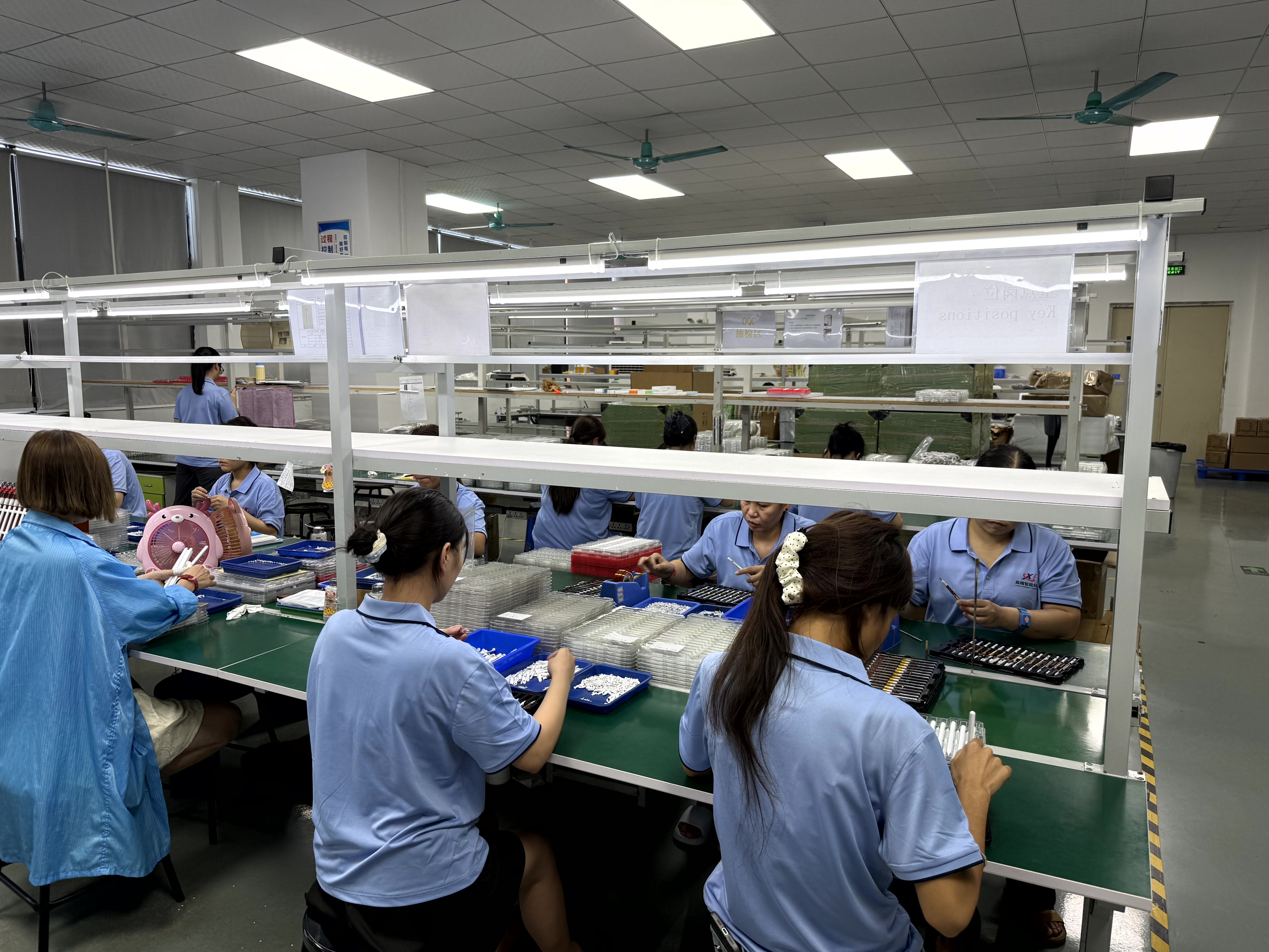
For buyers sourcing at volume, the supply-side facts in the same record are: OEM/ODM support, customization across function, color, shape, tip, logo, and packaging, a 500-piece minimum order quantity, 20–35 day lead time, 100% testing, and a one-year warranty with one-to-one replacement. The company also lists samples in as little as three weeks and standard orders shipped in 20 days.
FAQ
What should I buy, passive stylus or active stylus?
Active styluses support precise writing, palm rejection, and tilt pressure sensing, which makes them suitable for note-taking, drawing, and sketching, and they deliver a better experience than passive pens when interacting with an iPad or tablet. Passive styluses do not support palm rejection or tilt sensing, and typically show latency and offset while writing. The decision rule is simple: if you only want to replace your finger, choose a passive stylus; if you need note-taking, drawing, or sketching, choose an active stylus.
Which stylus should I choose?
It depends on which charging and runtime trade-off you accept. For wireless charging, the W12-A is the recommended model — it also carries a USB-C port that provides fast cable charging alongside wireless charging. For fast charging, the A7-H-L is the recommended model, which charges in 30 minutes and runs up to 16 hours. For long working hours, the E3-A is the recommended model, which runs up to 44 hours after a full charge. The underlying difference between these three is charging method, charging time, and working time.
What is the difference between your stylus and an Apple Pencil?
Third-party active styluses share the parts of the Apple Pencil experience that most buyers actually use every day: precise writing, palm rejection, and a pause-doodle function. The main difference is pressure sensing — a third-party active stylus in this range does not offer it, and relies on tilt sensing instead. Price is the other difference: an Apple Pencil is considerably more expensive than a third-party stylus. The practical split is intent: if you are an artist who needs precise pressure-based drawing, choose an Apple Pencil; if you mainly need note-taking and drawing, a third-party stylus covers the requirement at a lower cost.
Can I order these pens in bulk, and what are the MOQ and lead times?
Yes. The manufacturer lists a 500-piece minimum order quantity, a 20–35 day lead time, and 100% testing before shipment, with OEM/ODM support and customization of function, color, shape, tip, logo, and packaging. Samples can be ready in as little as three weeks, and standard orders ship in 20 days. Every pen carries a one-year warranty with one-to-one replacement. To move from shortlist to sample, download the Jiayao Intelligent Stylus Pen Catalogue or send your target tablet list and expected order volume to LeaTan@dg-xcdz.com — the compatibility notes on each model can be checked against your device list before sampling.
Conclusion: Match the Pen to the Job, Then Check the Supply Side
There is no single best stylus pen in 2026, because “best” only means something once the job is named. iPad note-taking favors the W12-A for its two charging paths; extended sessions favor the E3-A at 44 hours; Android sketching favors the S3-GC; budget everyday writing favors the A21B with tilt sensing and 25-minute charging; mixed-device users are best served by the R3-P; and tilt-based sketching favors the A8-RH.
Whichever model fits, the checks that prevent a bad purchase are the same: confirm the tablet is compatible, confirm whether palm rejection and tilt are listed for that specific model, confirm the charging pattern suits your daily routine, and confirm MOQ, lead time, and warranty if you are buying beyond a single unit.
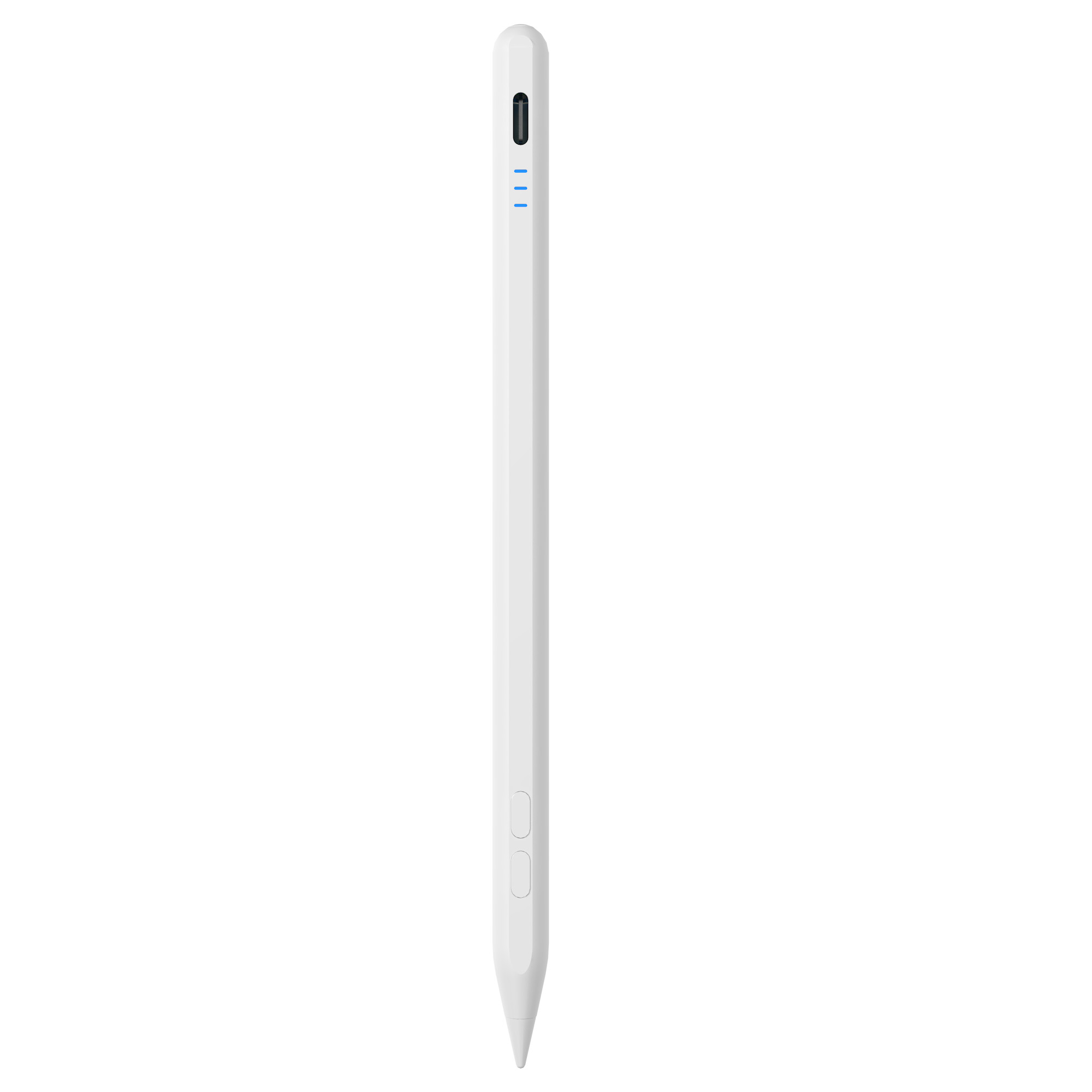
Next step: shortlist two models, order samples, and test them against your own tablet and your own handwriting. Jiayao stylus (Dongguan Jiayao Intelligent Technology Co.,Ltd) supplies active and passive stylus pens for iPad and mainstream tablets, with OEM/ODM support, MOQ from 500 pieces, and samples in as little as three weeks.
Website: jiayaostylus.com | Catalogue: Download the stylus pen catalogue | Contact: LeaTan@dg-xcdz.com | WhatsApp: +86 166 2065 1838
Address: Room 9th Floor, No.12, Lane 11, Wenming Road, Nanzha, Humen Town, Dongguan, Guangdong, China
Have Questions or Need More Details?
Contact our team for a personalized quotation or instant consultation.
Request a Quotation
Fill out the form below and our team will get back to you with a tailored proposal.
WhatsApp Direct Chat
Prefer to chat in real-time? Message us on WhatsApp for instant assistance & quick answers.
- Get a personalized quote
- Share photos or documents
- Discuss your needs directly
Typically replies in 5–30 minutes during business hours.