Passive, Active, iPad, or Android Stylus Pen: A Buyer Comparison Guide
The right stylus pen is not the one with the longest feature list. It is the one that matches the device fleet, the writing task, and the buying model. For a single-standard iPad deployment, an iPad active stylus is usually the cleanest fit. For a mixed iPad and Android estate, a universal active model such as the R3-P is the safer starting point. For shared kiosks, signature capture, and simple navigation, a passive or hybrid pen can be enough. This guide compares passive stylus, active stylus, iPad Stylus Pen, and iPad and Android Stylus Pen options by buyer fit and use case.
Why stylus comparisons fail buyers
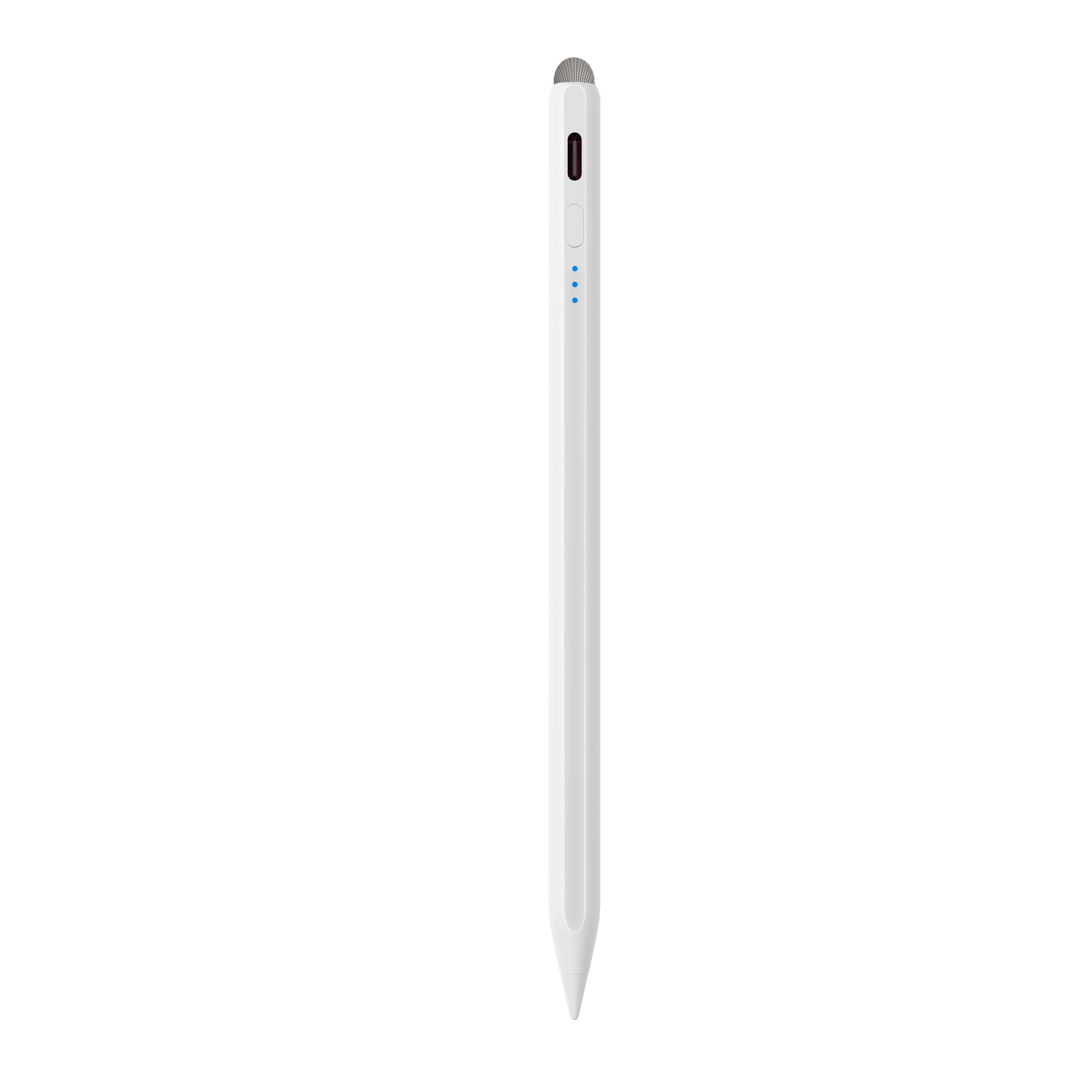
The word stylus pen covers several product types that look similar but behave differently. A passive stylus uses a conductive tip and does not need a battery. An active stylus contains electronics, a battery, and a signal path that the tablet must recognize. An iPad Stylus Pen is an active stylus built around iPad compatibility. An iPad and Android Stylus Pen is a universal active stylus intended to serve more than one device family.
Most bad purchases come from comparing the wrong variables. Buyers compare color, weight, or tip shape before they confirm the device generation, the operating system, the need for palm rejection, and the charging method. The result is predictable: a pen that works on one tablet but not another, a pen that writes but cannot reject a resting palm, or a pen that fits a demo but not a 500-unit deployment.
The practical decision rule is simple. Start with the device fleet. Then define the task. Then decide whether the project needs passive input, active input, iPad-only compatibility, or universal compatibility. Only after those three questions should a buyer compare models, charging, runtime, and price drivers.
Industry context: proprietary pens, open standards, and mixed fleets
Active stylus technology is projected to grow at a CAGR of 9.8% from 2026 to 2034, according to Dataintelo. That growth matters to buyers because it expands the number of active models, charging systems, and compatibility claims in the market. It also makes supplier verification more important, not less.
The active stylus market is split between proprietary protocols and open standards. Apple and Samsung use their own ecosystems, while USI 2.0, released in 2022, is the primary cross-platform standard for active styluses and is supported by Google, Intel, and Lenovo. For buyers, the lesson is direct: a universal active stylus is not automatically universal. It must be checked against the exact tablet and phone models in the project.
Customs classification is another practical detail. Stylus pens are typically classified under HS Code 8471.60.90 as automatic data processing input units. Importers should confirm the code with a customs broker because local tariff treatment can vary by market. Headline market-size figures also vary by definition, so they are more useful as directional context than as a single planning number.
Pressure sensitivity is often used as a shorthand for capability. Samsung S-Pen and high-end professional active pens feature up to 4,096 levels of pressure sensitivity. That does not mean every third-party active stylus has the same response. Buyers should verify the actual model, the supported device, and the app workflow instead of assuming parity from a category label.
The four options, side by side
1. Passive stylus: simple input, no battery
A passive stylus is the lowest-complexity option. It uses a conductive tip and works on capacitive touchscreens without a battery. It is suitable for menu navigation, signature capture, basic annotation, and shared devices where charging logistics would be a burden.
The limitation is equally clear. A passive stylus generally does not provide palm rejection, tilt response, or the precise pressure behavior associated with active pens. It is a practical tool for simple input, not a substitute for an active pen in long note-taking or drawing sessions. For mixed projects, a hybrid model can bridge the gap. The A21B is listed as a 2-in-1 iPad stylus pen with a universal passive fiber tip, which gives buyers a way to cover active iPad use and basic passive input in one product family.
2. Active stylus: battery-powered precision
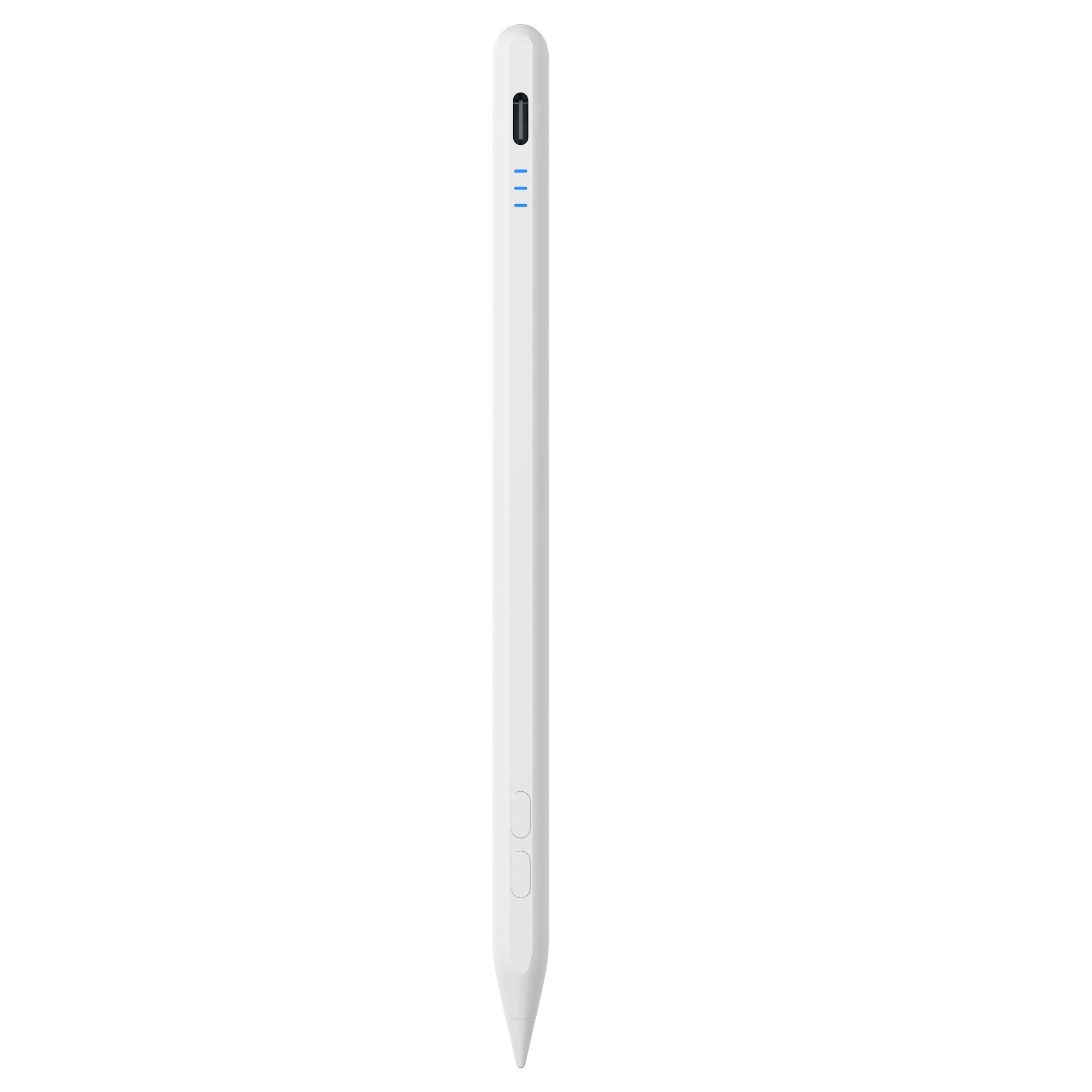
An active stylus contains a battery and transmits a signal that the tablet detects. That design supports palm rejection, tilt sensing, low-latency writing, and pressure response on compatible devices. It is the correct starting point for education note-taking, field-service forms, design review, and any workflow where the user rests a hand on the screen.
The trade-off is dependency. An active stylus needs power, a compatible device, and a charging routine. Buyers should confirm battery runtime, charging time, standby behavior, and whether the pen uses Type-C charging, magnetic wireless charging, or both. They should also confirm whether palm rejection and tilt are supported on the target tablet, not just on the stylus spec sheet.
Jiayao active models show why this matters. The A30-B uses Type-C charging in 25 minutes and provides about 11 hours of working time. The A8-RH uses Type-C charging in 30 minutes and provides about 12 hours. The A7-H-L provides about 16 hours, and the E3-A provides about 44 hours. Those differences change the deployment plan for schools, retail teams, and field staff.
3. iPad Stylus Pen: one ecosystem, fewer variables
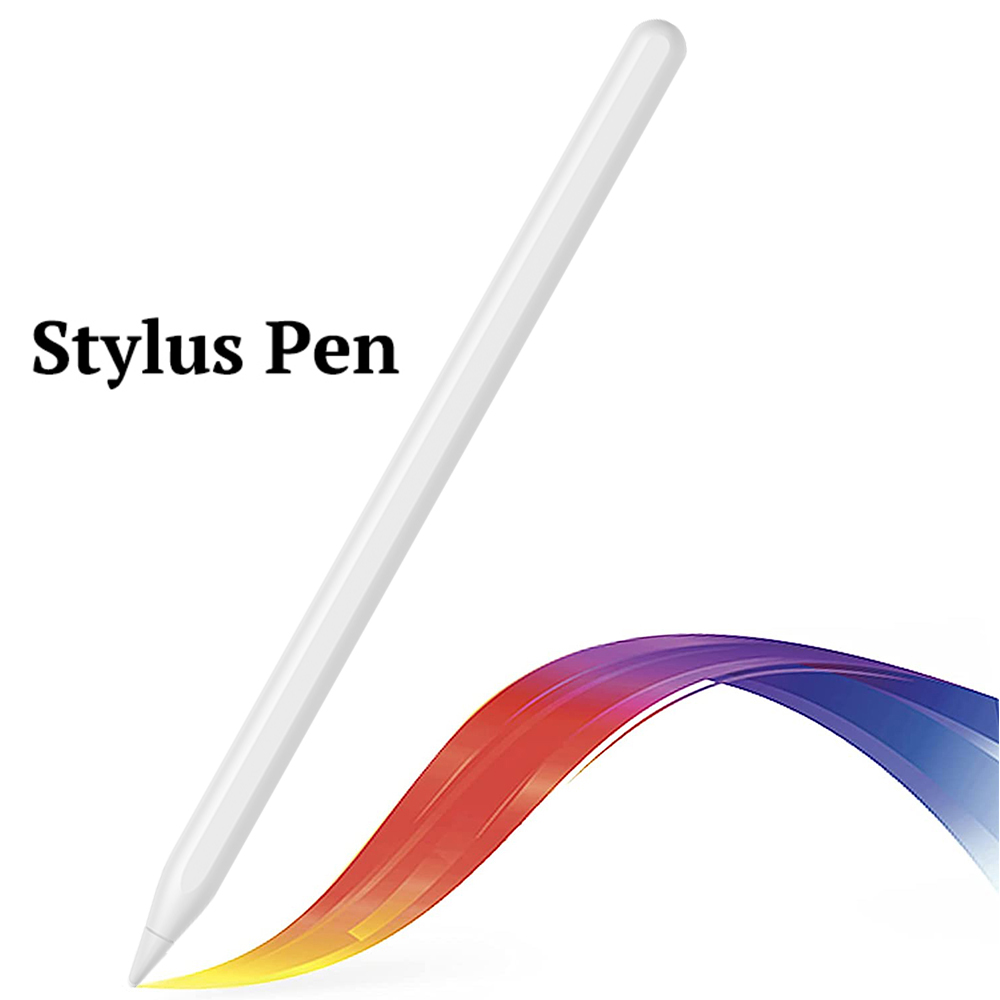
An iPad Stylus Pen is an active stylus designed around iPad compatibility. Jiayao iPad models are listed for iPad after 2018 with iPadOS 12.2 and above. That narrower compatibility is an advantage when the project is standardized on iPad, because the buyer can compare models on charging, runtime, weight, and attachment rather than on cross-platform uncertainty.
Charging is the main differentiator inside this group. The W13-A supports cable charging in 15 minutes and magnetic tablet charging in 60 minutes, with 9 to 10 hours of working time. The W12-A supports Type-C charging in 25 minutes and wireless charging in 60 minutes, also with 9 to 10 hours. The W3-H uses magnetic charging in 70 minutes and provides about 11 hours. The W13-A side adsorption is specified for 11-inch and 12.9-inch iPad models, so buyers should not assume the same attachment behavior across every iPad size.
For buyers comparing a third-party iPad stylus with Apple Pencil, the relevant question is not which brand name sounds closer. The relevant questions are device compatibility, charging method, palm rejection, tilt behavior, tip replacement, and support terms. Apple Pencil is Apple's first-party accessory. Jiayao iPad styluses are third-party active models with their own specifications. Buyers should compare the actual feature set and test the exact iPad model before committing to a program.
4. iPad and Android Stylus Pen: one SKU for mixed fleets
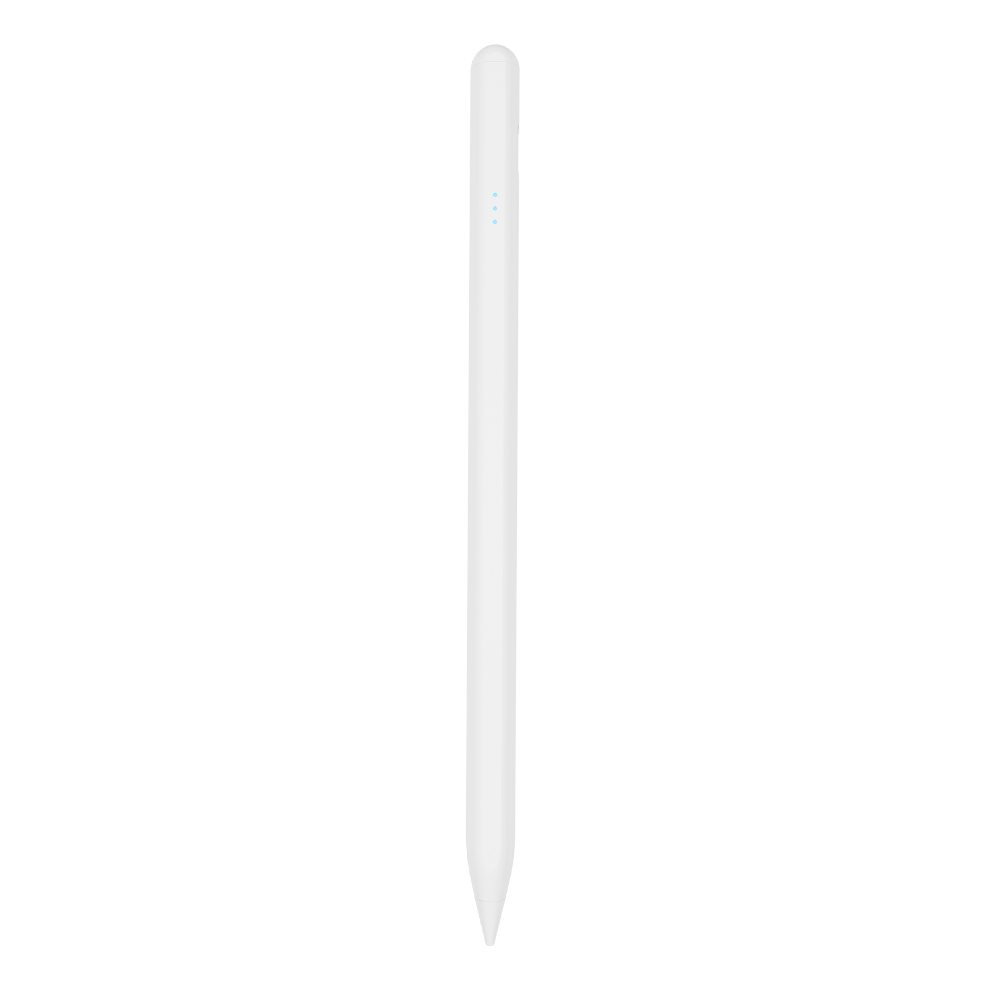
A universal active stylus is the practical answer when a buyer cannot standardize on one tablet brand. The R3-P is listed as a universal stylus for iPad and Android tablets and phones. It uses Type-C charging in 40 minutes, provides 9 to 10 hours of working time, weighs about 13 g, and includes interchangeable nibs.
The benefit is inventory simplicity. One SKU can serve an office with iPads, a retail team with Android tablets, and a field team with Android phones. The risk is compatibility drift. Android implementations vary by manufacturer and model, so a universal claim should be validated with a sample on the exact devices in the project. The R3-P is a strong starting point for mixed fleets, but it is not a substitute for device-level testing.
Master comparison table
| Option | Power and charging | Palm rejection and tilt | Device fit | Best-fit project | Main check before buying |
|---|---|---|---|---|---|
| Passive stylus | No battery required | Generally no palm rejection or tilt response | Capacitive touchscreens | Kiosks, signatures, navigation, shared devices | Confirm that simple input is enough for the task |
| Active stylus | Rechargeable battery; Type-C or magnetic charging | Typically supports palm rejection and tilt on compatible devices | Depends on protocol and device model | Note-taking, annotation, field forms, drawing | Verify the exact tablet and app workflow |
| iPad Stylus Pen | Type-C, magnetic, or both; charging time varies by model | Palm rejection and tilt available on listed iPad models | iPad after 2018 with iPadOS 12.2 and above | Single-standard iPad deployments | Check iPad size for side adsorption and charging |
| iPad and Android Stylus Pen | Type-C charging; model-dependent runtime | Model-dependent; verify on the target device | iPad and Android tablets and phones | Mixed fleets, retail assortments, multi-site teams | Test Android models before full rollout |
Step-by-step: how to choose for a project
Step 1: Map the device fleet
List every tablet and phone model in the project, including generation and operating system. Separate iPad from Android. Note whether the fleet is standardized or mixed. This step decides whether an iPad-only stylus is acceptable or whether a universal active model is required.
Step 2: Define the task, not the product category
Write down what the user will actually do: navigate a menu, sign a form, annotate a PDF, take lecture notes, mark up a design, or draw. Simple input points toward passive or hybrid. Precision work points toward active. Long shifts point toward longer runtime and faster charging.
Step 3: Decide passive versus active
If the user rests a hand on the screen, needs tilt response, or writes for extended periods, choose active. If the device is shared, charging is impractical, and the task is basic input, passive can be sufficient. If the project needs both, use a hybrid model such as the A21B or split the deployment by role.
Step 4: Choose iPad-only or universal
If every device is an iPad, an iPad Stylus Pen simplifies validation and support. If Android tablets or phones are part of the fleet, a universal active model such as the R3-P reduces SKU count. Do not choose universal simply to avoid planning. Choose it because the fleet is genuinely mixed.
Step 5: Verify power and charging logistics
Compare charging time, working time, standby behavior, and charging method. The W13-A charges by cable in 15 minutes or by magnetic tablet charging in 60 minutes. The E3-A provides about 44 hours of working time. The S3-GC provides about 10 hours with 55-minute Type-C charging. These differences affect how many spare pens a site needs and how often users must charge.
Step 6: Validate sample, packaging, MOQ, and support
Test the sample on the exact devices and apps. Confirm tip replacement, packaging, logo, and Bluetooth naming requirements. Jiayao supports OEM and ODM projects with customization for function, color, shape, tip, logo, and packaging. The MOQ starts at 500 pcs, samples can be ready in as little as 3 weeks, and standard orders can ship in 20 days. Quoted lead time is 20 to 35 days depending on customization.
Use cases: matching the pen to the deployment
Education projects
Education buyers usually need palm rejection, precise writing, low latency, side magnetic attachment, and replaceable tips. Long runtime matters because students may not charge devices between classes. The A7-H-L is listed with about 16 hours of working time, and the E3-A is listed with about 44 hours. The E3-A was also used in a Vietnam iPad accessory ODM project with 3,000 units, where the reported result was smooth precise handwriting and improved tablet operation efficiency.
Retail and e-commerce assortments
Retail buyers often need one SKU that covers multiple device brands. A universal active model such as the R3-P can reduce inventory complexity, while an Android-specific model such as the S3-GC can serve Android tablet assortments. The Turkey tablet accessory ODM project used 5,000 units of the W12-A for precise writing across iPad, iPhone, Android tablet, and Android phone use cases, with the reported result of increased usage of iPads and Android tablets.
Graphic design and review
Design workflows need tilt response, palm rejection, and consistent line control. The A8-RH is listed as a tilt-sensing stylus pen with Type-C charging in 30 minutes and about 12 hours of working time. The A30-B adds a shortcut function and palm rejection. Buyers should test the pen in the actual drawing app, because app-level behavior can differ from the pen specification.
Field service and shared devices
Field teams need durability, simple charging, and predictable replacement. A passive or hybrid pen can work for signature capture and form navigation. If the team also annotates documents, an active model with Type-C charging is more appropriate. Standard orders can ship in 20 days, and Jiayao provides a 1-year warranty with one-to-one replacement.
Model shortlist for evaluation
| Model | Type | Charging | Working time | Weight | Best-fit evaluation |
|---|---|---|---|---|---|
| W13-A | iPad active stylus | 15 min cable; 60 min magnetic | 9-10 hours | 12-13 g | Buyers who want cable and wireless charging options |
| W12-A | iPad active stylus | 25 min Type-C; 60 min wireless | 9-10 hours | 12-13 g | Mixed charging infrastructure |
| W3-H | Wireless charge iPad stylus | 70 min magnetic | 11 hours | 12-13 g | Magnetic-charging iPad deployments |
| A30-B | iPad active stylus | 25 min Type-C | 11 hours | 12-14 g | Palm rejection, tilt, and shortcut function |
| A21B | 2-in-1 iPad stylus | 25 min Type-C | 11 hours | 12-14 g | Active iPad plus passive fiber tip |
| A8-RH | Tilt-sensing iPad stylus | 30 min Type-C | 12 hours | 12-13 g | Design review and tilt-sensitive work |
| A7-H-L | iPad pencil | 30 min Type-C | 16 hours | 12-13 g | Education and long-shift use |
| R3-P | iPad and Android stylus | 40 min Type-C | 9-10 hours | 13±1 g | Mixed iPad and Android fleets |
| E3-A | iPad stylus | 40 min Type-C | 44 hours | 15±1 g | High-runtime deployments |
| S3-GC | Android universal stylus | 55 min Type-C | 10 hours | 13±1 g | Android tablet programs |
FAQ
- How are stylus pens classified for import?
- Stylus pens are typically classified under HS Code 8471.60.90 as automatic data processing input units. Importers should confirm the code with a customs broker because local tariff treatment can vary by market.
- Can one stylus work on both iPad and Android tablets?
- Yes, universal active models are built for mixed fleets. The R3-P is listed for iPad and Android tablets and phones, while the iPad-only models are listed for iPad after 2018 with iPadOS 12.2 and above. Always test the exact Android model because Android implementations vary.
- What drives the unit cost of a stylus pen?
- The main cost drivers are body material, battery capacity, charging method, palm rejection and tilt features, replaceable tips, packaging, and order quantity. Jiayao quotes MOQ from 500pcs and supports function, color, shape, tip, logo, and packaging customization.
- Can buyers test samples before placing an order?
- Yes. Jiayao supports samples in as little as 3 weeks, and every stylus goes through 100% functional, tactile, and visual inspection before shipment.
- What is the lead time for an OEM stylus order?
- Standard orders can ship in 20 days. Quoted lead time is 20-35 days depending on customization and order volume. To start a sample or quote request, contact Lea Tan at LeaTan@dg-xcdz.com or download the Jiayao stylus pen catalogue.
Conclusion: choose by fit, then verify by sample
Passive, active, iPad, and universal stylus pens are not interchangeable categories. Passive is the simplest input tool. Active is the precision tool. iPad Stylus Pen options reduce variables when the fleet is standardized on iPad. iPad and Android Stylus Pen options reduce SKU count when the fleet is mixed. The buyer who wins is the one who matches the category to the device and the task, then verifies the exact model with a sample.
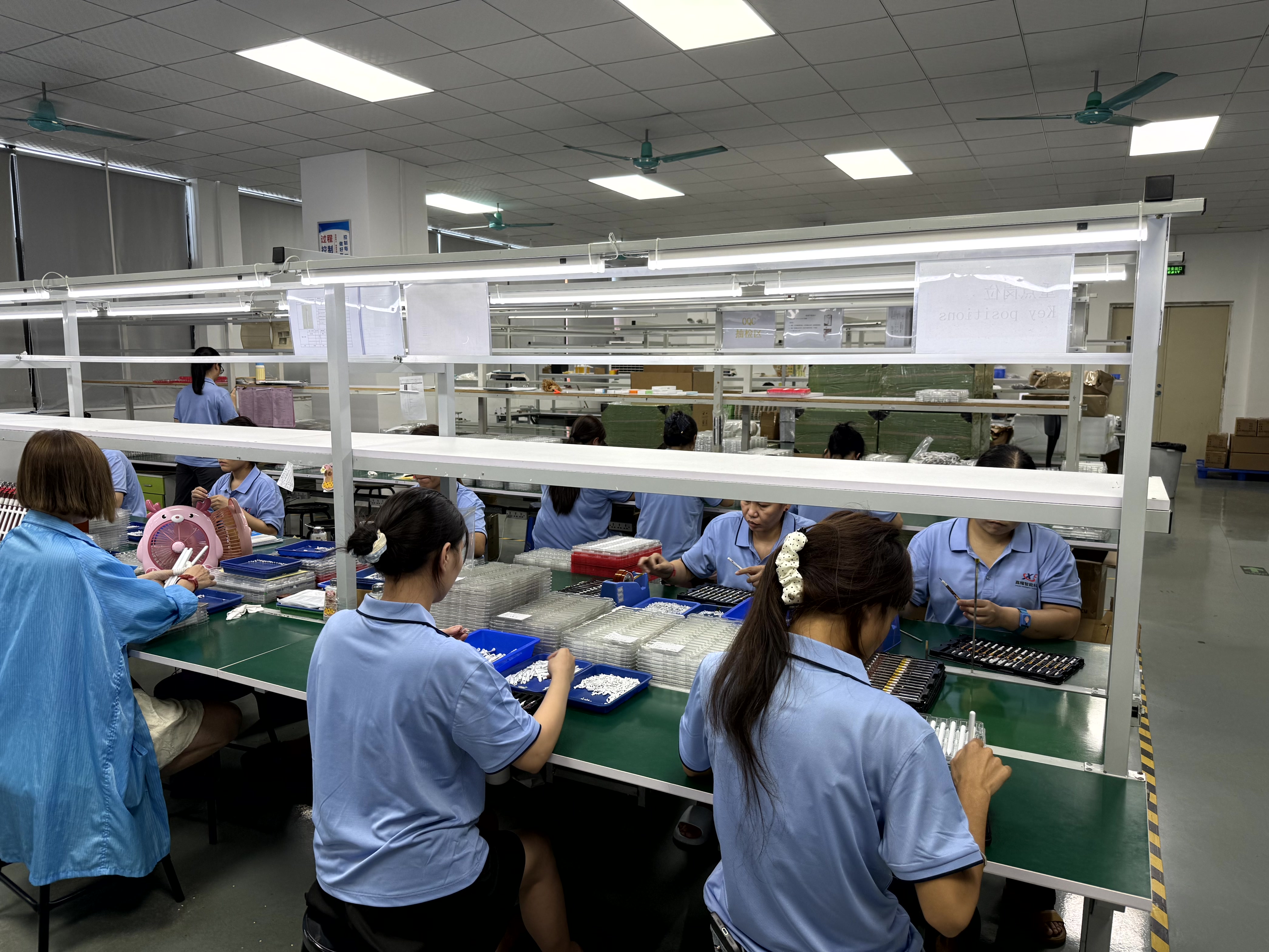
Dongguan Jiayao Intelligent Technology Co.,Ltd is a stylus pen manufacturer based in Dongguan, Guangdong, China, founded in 2021. The company operates a 2,700m² factory with about 100 employees, a 4-engineer R&D team, and annual output of 3,000,000 units. It supports OEM and ODM projects, 100% inspection, a 1-year warranty, and one-to-one replacement. Main markets include the EU and USA, with export markets covering the EU, US, and Middle East.
Next step: compare the sample against your exact iPad or Android model. Request a sample, quote, or OEM discussion with Jiayao Stylus.
Email: LeaTan@dg-xcdz.com | WhatsApp: +86 166 2065 1838 | Website: jiayaostylus.com
Download the Jiayao Intelligent Stylus Pen Catalogue for model and specification reference.
Have Questions or Need More Details?
Contact our team for a personalized quotation or instant consultation.
Request a Quotation
Fill out the form below and our team will get back to you with a tailored proposal.
WhatsApp Direct Chat
Prefer to chat in real-time? Message us on WhatsApp for instant assistance & quick answers.
- Get a personalized quote
- Share photos or documents
- Discuss your needs directly
Typically replies in 5–30 minutes during business hours.