
The Cross-Device Stylus Dilemma: A Problem-Solution Guide
Two tablets, one pen is a reasonable expectation, and it is exactly where most stylus purchases fail. An active pen bought for an iPad usually will not wake an Android tablet, and an Android-oriented pen often writes with visible offset on iPad glass. This guide explains why the problem exists, what actually solves it for iPad and Android users, and how to verify a candidate pen before you order a sample or a container.
Short answer
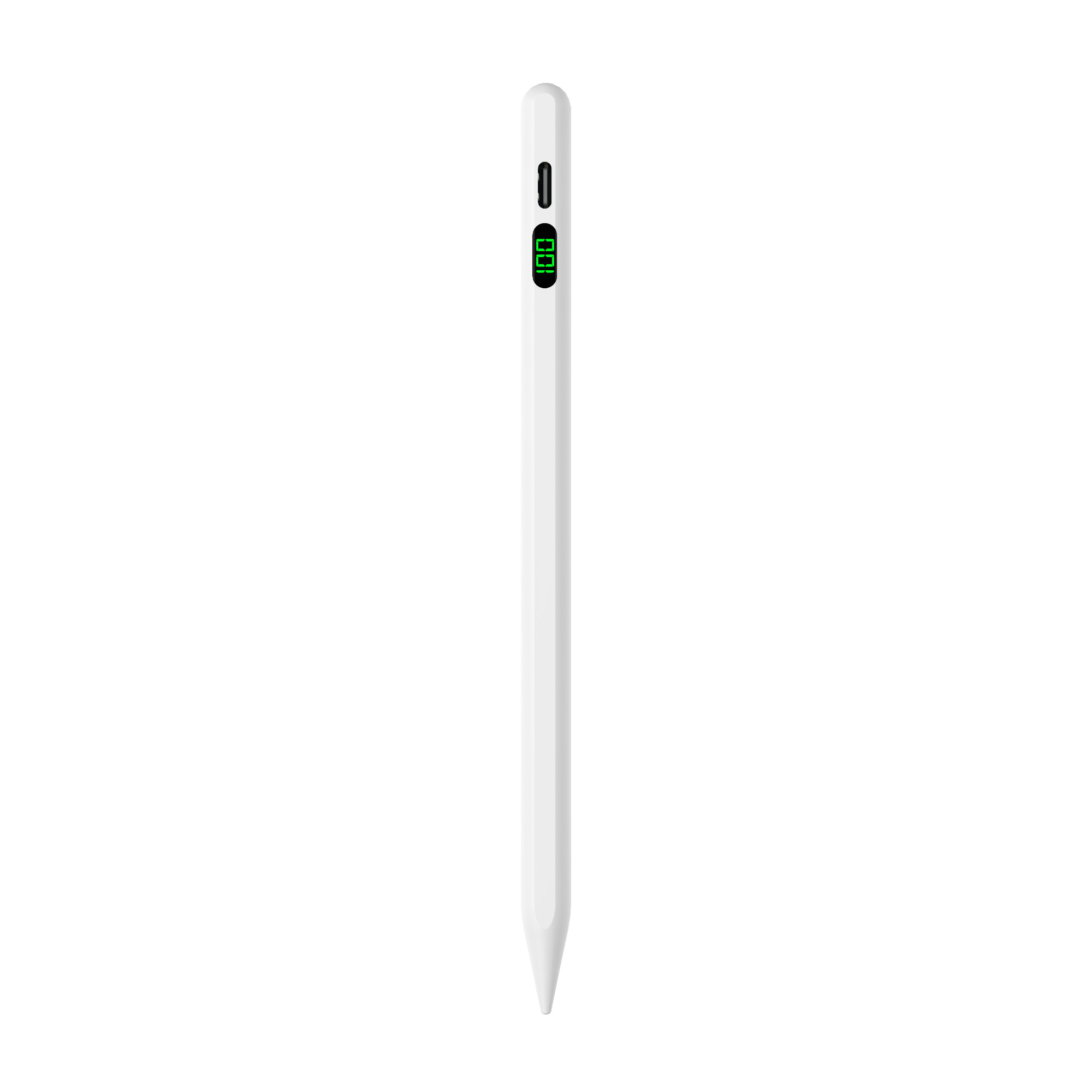
One stylus can serve both an iPad and an Android tablet, but only when the model is specified for both platforms. A universal active stylus such as the R3-P from Jiayao Stylus is listed by its manufacturer as compatible with iPad and Android tablets. A passive capacitive stylus also works on both, but it gives up palm rejection, pressure response and tilt. Single-platform pens remain the better choice when precision features matter more than one-pen convenience.
The Problem: Why a Second Tablet Breaks a Stylus That Already Worked
Picture the sequence. An iPad owner buys an active stylus, pairs it, and uses it for note-taking and sketching. Then an Android tablet arrives, for a child's schoolwork, for field-service forms, or simply as a cheaper second screen. The same pen is picked up and nothing happens, or the cursor jumps whenever a palm rests on the glass, or the line lands a millimetre away from the tip.
None of that is a defect in either device. It is the predictable result of pairing a pen built for one digitizer with a tablet built around another. The failure usually appears in one of four forms:
- No response at all. The tablet's digitizer does not recognise the pen's signal, so the pen behaves like a dead plastic stick.
- Writes, but the palm registers. The stroke breaks every time the side of the hand touches the screen, which makes handwriting unusable.
- Offset or lag at the edges. The stroke trails the nib, or drifts toward the screen border, which is most visible when annotating near margins.
- Works, then stops. Automatic power-off and standby behaviour differ between models, and a pen that has shut down mid-session looks like a compatibility fault.
Buyers then usually do one of two things: buy a second pen and accept two accessories, or buy a cheap universal pen that behaves like a finger and conclude that cross-device styluses are always a compromise. Both conclusions are avoidable once the technology is separated into its parts.
Industry Background: Three Stylus Architectures That Do Not Talk to Each Other
A stylus is not a pencil. The differences sit in how the pen talks to the touchscreen.
A passive, or capacitive, stylus carries no electronics. Its conductive tip mimics the electrical signature of a fingertip, and the touchscreen registers it exactly as it would register a finger. Because modern tablet touchscreens are capacitive, a passive stylus works on an iPad, an Android tablet, a phone and most touchscreen laptops. The price of that universality is that the tablet never knows a pen is in use: the palm is treated as another finger, there is no pressure data, and there is no tilt.
An active stylus carries a battery and electronics. Jiayao's published application description for an education project states the operating logic plainly: the pen is powered by its battery, it transmits weak electrical signals to the touchscreen, and the tablet detects those signals to locate the tip and reproduce writing, drawing and tapping. That two-way relationship requires the pen and the tablet to speak the same protocol, and this is where the cross-device problem begins.
Three protocol families dominate the tablet market:
- Platform-proprietary active protocols, used by Apple on iPad and by other tablet makers on their own hardware. The pen and the tablet are matched by design.
- USI (Universal Stylus Initiative). The USI 2.0 specification released in 2022 is described as the primary cross-platform standard for active styluses by the initiative itself, and it is supported by Google, Intel and Lenovo. An Android tablet answers a USI pen only if the tablet implements USI.
- EMR (electromagnetic resonance), the architecture behind Samsung's S Pen. Samsung states that S Pen and high-end professional active pens feature up to 4,096 levels of pressure sensitivity.
An iPad does not implement USI, and an Android tablet that has not adopted USI will not answer a pen built for another protocol. Pen makers respond in three ways: build for iPad only, build for Android only, or build one pen that is specified for both and sold as a universal model. The third category is the one worth understanding, because the word universal on a product page can mean works as a finger or works as an active pen on both platforms, and those are very different products at very different prices.
Demand is not the constraint. IMARC Group reports the global stylus pen market at USD 19.45 billion in 2025, while a narrower definition of active digital pens puts the same year at USD 3.36 billion, according to figures cited by Fortune Business Insights in the same comparison set. Dataintelo projects active stylus technology growing at a CAGR of 9.8% from 2026 to 2034. For buyers, the practical consequence of a fragmented, fast-growing category is simple: specification wording matters more than the marketing label.
The Solution: What an iPad and Android Stylus Pen Actually Delivers
Jiayao Stylus, formally Dongguan Jiayao Intelligent Technology Co.,Ltd, is a stylus pen manufacturer based in Humen Town, Dongguan, Guangdong, China. The company was founded in 2021, operates a 2,700 m² facility, employs around 100 staff and keeps four R&D engineers on site. It builds both single-platform and universal pens, which makes the trade-offs visible inside one catalogue.
The R3-P is the model aimed directly at this problem. It is listed as a universal stylus for iPad and Android tablets, with these published specifications:
- Charging: Type-C, approximately 40 minutes
- Continuous working time after a full charge: 9–10 hours
- Battery: 68430, 130 mAh, 3.7 V
- Power saving: automatic power-off after 60 minutes; standby up to one year
- Side adsorption: yes
- Offset and delay: stated as no offset, no delay
- Nib: interchangeable
- Body and size: aluminium alloy, 164.6 mm length, 1.5 mm nib diameter, 13 ± 1 g
- Switch: top switch
Read that list as a buyer rather than a shopper. A 40-minute Type-C charge and a one-year standby matter when a pen is shared across a classroom or a service counter and may sit unused for weeks. Side adsorption matters for users who move between an iPad and an Android tablet during the day and need the pen to stay with the device. Interchangeable nibs matter for anyone replacing a nib before the pen itself fails.
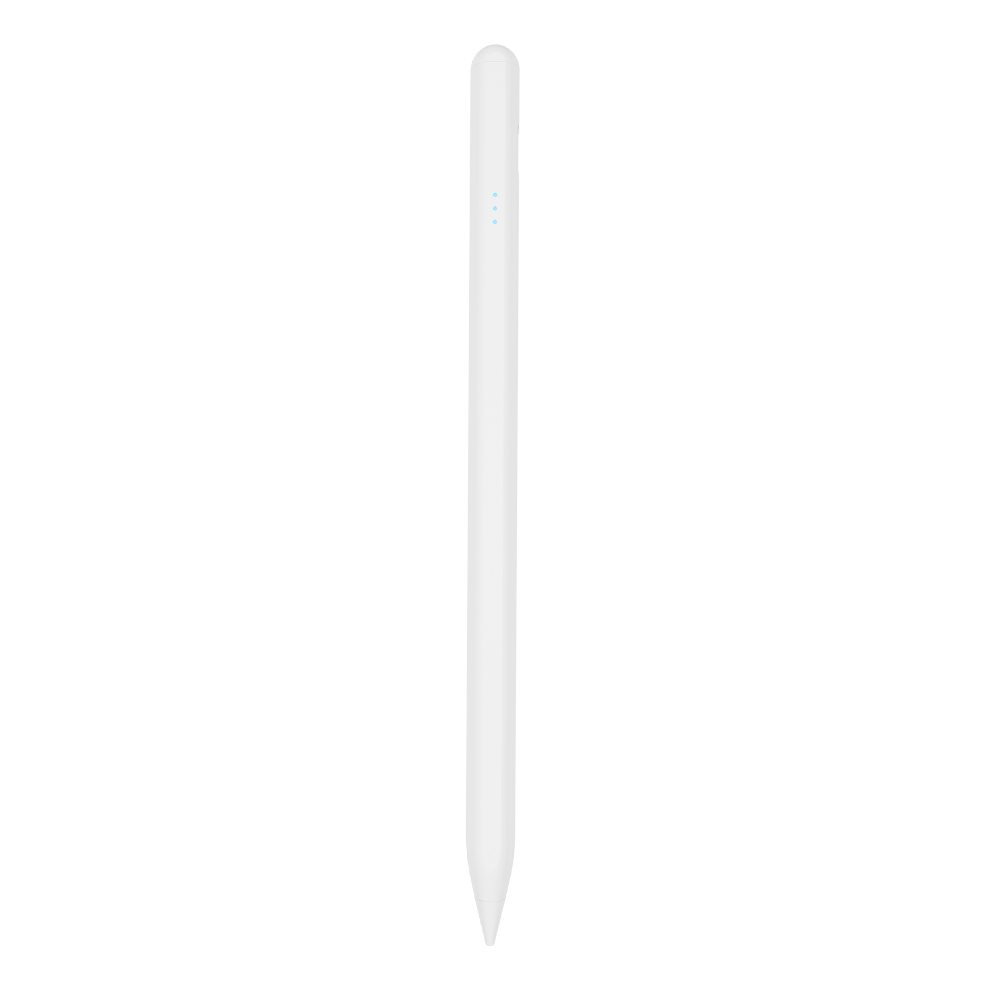
The S3-GC is the Android-first equivalent: an Android universal active pen with a 55-minute Type-C charge, about 10 hours of working time, a 65500 165 mAh battery at 3.7 V, automatic power-off after 10 minutes, side adsorption, an aluminium alloy body and a top touch switch at 13 ± 1 g. For a fleet that is Android-only, the shorter auto-off window is a small but real difference in shelf behaviour: a pen left on a desk powers down in ten minutes instead of an hour, which usually reduces accidental drain.
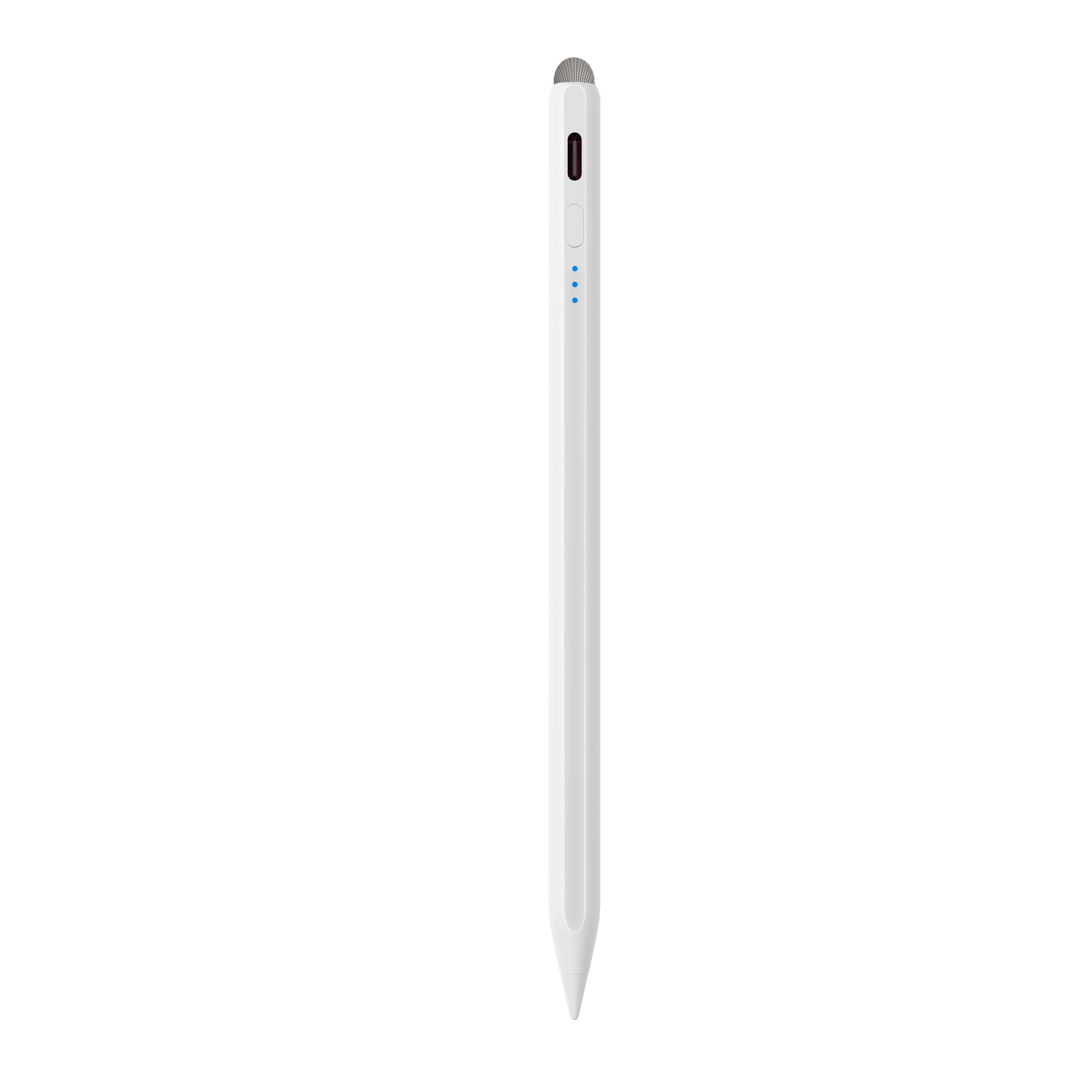
When a single platform dominates, specialist pens still do more. The A30-B is specified for iPad from 2018 onward running iPadOS 12.2 and later, and lists palm rejection, tilt, side adsorption, a 25-minute Type-C charge, 11 hours of working time and a shortcut button. The E3-A lists 44 working hours from a 230 mAh battery at 3.7 V. The A21B appears in the range as a 2-in-1 iPad stylus, and its product image is captioned with a universal passive fibre tip, which is the arrangement some sellers use when one pen must serve an iPad demo and an Android display unit on the same table.
How a Universal Stylus Differs from Apple Pencil
Apple Pencil is Apple's own iPad accessory: it is designed, sold and supported by Apple for iPad, and it is not specified for Android tablets. A universal third-party pen answers a different question, which is how to cover an iPad and an Android tablet with one accessory. It does that by supporting both platform behaviours rather than by reproducing system-level integration.
The decision rule is therefore about workflow, not brand loyalty. If a user works only on iPad and depends on features that only Apple Pencil provides, Apple Pencil is the reference point to compare against. If work is split between iPad and Android, or if a distributor needs one SKU covering both device families, a pen that is explicitly specified for both platforms is the practical choice, even where some iPad-only features are absent. Before ordering, ask the supplier to state in writing which mode the pen uses on each platform.
Step-by-Step: Six Checks Before You Commit to a Cross-Device Stylus
- Match the pen to your exact tablet generation and OS. Jiayao's iPad-range models are specified for iPad from 2018 onward on iPadOS 12.2 and later. On the Android side, first confirm whether the tablet supports an active stylus protocol at all; a tablet without active stylus support will treat any active pen as a finger, no matter what the listing says.
- Choose the architecture by task, not by price. Menu tapping, signatures and form checkboxes are served by a passive pen. Handwriting, annotation, drawing and any workflow where the hand rests on the screen require an active pen.
- Check the power design. Compare charging method and time, working hours, standby and automatic power-off across the models you are considering. The R3-P runs 40 minutes of charging into 9–10 hours of work; the E3-A lists 44 working hours; both are stated as one-year standby.
- Test offset and latency at the edges. Draw a slow diagonal line into each corner and then write a fast row of short strokes. Jiayao specifies no offset and no delay across these models, and both faults show up first near the bezel and in fast strokes.
- Confirm palm rejection only where it is listed. Palm rejection and tilt are per-model specification lines. The A30-B, A21B, A8-RH and A7-H-L list palm rejection and tilt; other models in the range do not list those lines even though the general product description mentions anti-accidental touch and pressure response. Treat the specification line as the confirmed data point, and test the behaviour on your own tablet.
- Plan nibs, spares and charging logistics. Nibs are interchangeable across these models, so a first order can include spare nibs rather than spare pens. For battery-powered pens in shared environments, add a charging routine to the deployment plan, because a discharged pen cannot write.
Use Cases: Where One Pen Across Two Platforms Pays Off
Education deployments with mixed device fleets
Jiayao's education-project description names iPad and Android tablets as matched equipment and lists low latency, precise writing, side magnetic attachment and a replaceable pen tip as special requirements. In a classroom that mixes both platforms, one pen model simplifies spare-part stock, teacher training and charging routines. The same description is explicit that the pen needs battery power before it functions, so charging must be designed into the timetable rather than treated as an afterthought.
Retail and e-commerce assortments
A Vietnam-based iPad accessory ODM ordered 3,000 units over a two-year relationship, for precise writing on iPad and retail sale on an e-commerce platform. The reported result was a smooth, precise handwriting experience, improved tablet operation efficiency and good user feedback, against a requirement list that included precise writing, fast charging, long working hours, palm rejection and tilt pressure sensing. For an online seller, a single pen model with a clean specification line reduces the number of listings that must be explained to customers.
Multi-device accessory programmes
A Turkey-based tablet accessory ODM ordered 5,000 units for precise writing on iPad, iPhone, Android tablet and Android phone, and the stated result was increased usage of iPads and Android tablets. The commercial value in that case is assortment simplification: one pen covering four device types, instead of three pens and three support scripts.
Field service, inspection and signature capture
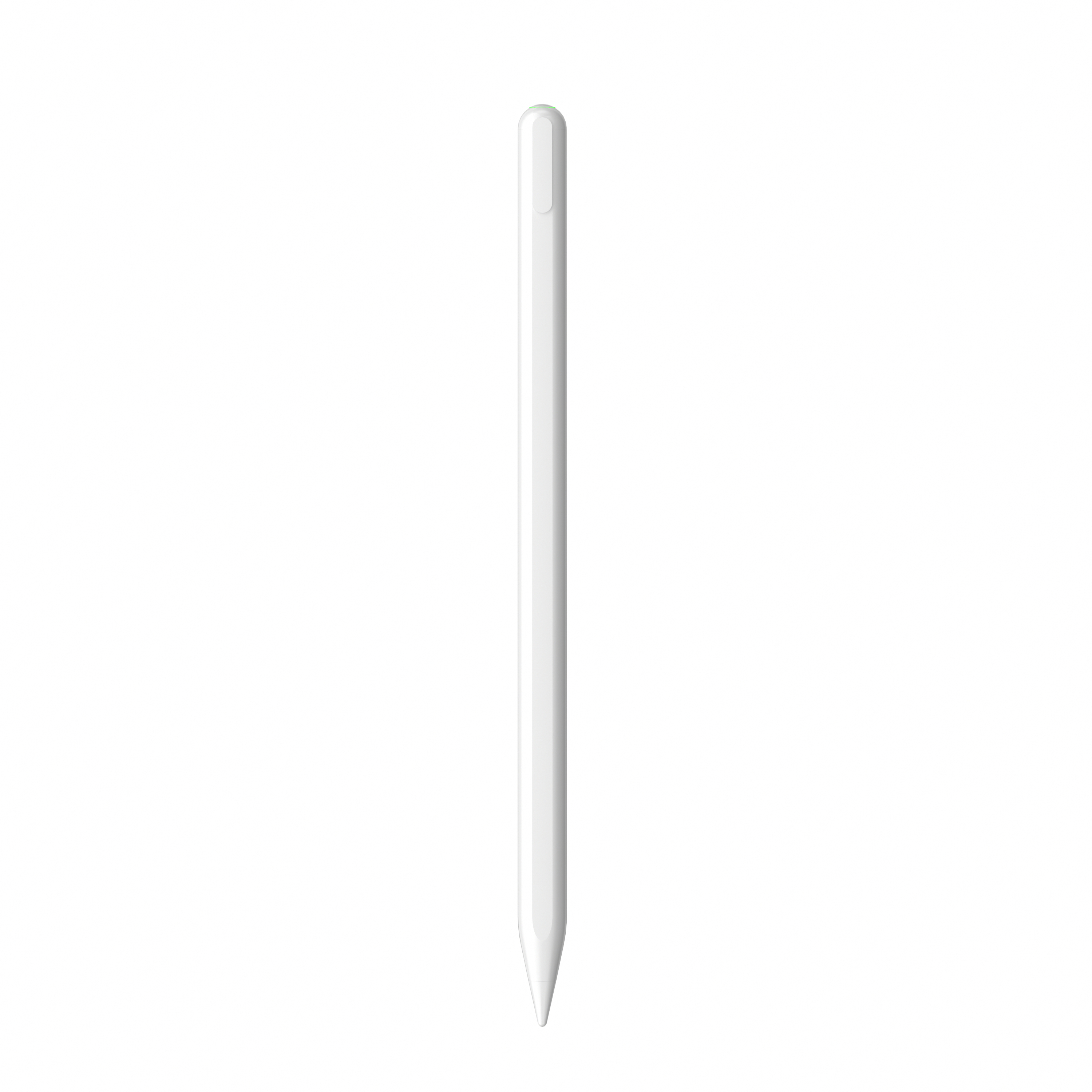
Field teams rarely control which tablet they are issued. A universal pen keeps the workflow identical when a technician moves from an iPad to an Android unit, and side adsorption keeps the pen attached to the device rather than lost in a van. One-year standby and automatic power-off windows matter more here than pressure levels, because the pen may sit unused for days between jobs.
Comparison Table: Universal, Android-First and iPad-First Stylus Pens
| Specification | R3-P (universal) | S3-GC (Android-first) | A30-B (iPad-first) |
|---|---|---|---|
| Platform target | iPad and Android tablets | Android universal | iPad 2018 and later, iPadOS 12.2 and above |
| Charging | Type-C, 40 minutes | Type-C, 55 minutes | Type-C, 25 minutes |
| Working time | 9–10 hours | 10 hours | 11 hours |
| Battery | 68430, 130 mAh, 3.7 V | 65500, 165 mAh, 3.7 V, 0.61 Wh | 65500, 165 mAh, 3.7 V, 0.46 Wh |
| Automatic power-off | 60 minutes | 10 minutes | 10 minutes |
| Standby | 1 year | 1 year | 1 year |
| Palm rejection | Not listed in the specification line | Not listed in the specification line | Listed as yes |
| Tilt response | Not listed in the specification line | Not listed in the specification line | Listed as yes |
| Side adsorption | Yes | Yes | Yes |
| Nib | Interchangeable | Interchangeable | Interchangeable |
| Body and weight | Aluminium alloy, 13 ± 1 g | Aluminium alloy, 13 ± 1 g | Aluminium alloy, 12–14 g |
| Other | Top switch | Top touch switch | Shortcut button |
Purchasing Terms and Acceptance Criteria for Importers
Jiayao runs OEM and ODM projects with customization across function, colour, shape, tip, logo, Bluetooth naming and packaging. Published commercial terms are a MOQ of 500 pcs, a lead time of 20–35 days, monthly capacity of 500,000 units, 100% testing on every pen, and a one-year warranty with one-to-one replacement. Samples can be arranged in as little as three weeks, and standard orders ship in about 20 days. Around 40% of output is exported, with the EU and USA named as the main markets alongside the Middle East in the export list.
An acceptance checklist that holds up after the first shipment:
- Platform statement in writing: which iPad generations and OS versions, and which Android tablets, the model is specified for.
- Feature statement per model: palm rejection, tilt and pressure behaviour marked as listed or not listed, never assumed from the general description.
- Power test on samples: charge time, working time, standby and automatic power-off confirmed by measurement, not by datasheet.
- Write test: diagonal lines into each corner for offset, rapid short strokes for latency, and palm resting on the screen wherever palm rejection is claimed.
- Physical inspection: nib interchangeability, tip alignment, switch feel, side adsorption strength and body finish.
- Battery documentation for freight: each model's capacity and voltage are published, for example 130 mAh at 3.7 V on the R3-P and 230 mAh at 3.7 V on the E3-A.
- Customs classification: in trade data, stylus pens are typically classified under HS code 8471.60.90 as automatic data processing input units. Confirm the code and any destination-specific requirement with your broker.
Because inspection covers functional, tactile and visual checks on every unit, the acceptance conversation should focus on what that inspection covers and what it does not. Agree the test list before production, not after the container arrives.
FAQ
Is a rechargeable stylus pen restricted for international shipping, and how is it classified?
A rechargeable stylus contains a small lithium battery, so carriers will ask for its capacity and voltage. Jiayao publishes those figures per model: the R3-P lists a 130 mAh, 3.7 V battery and the E3-A lists 230 mAh at 3.7 V. In trade data, stylus pens are typically classified under HS code 8471.60.90 as automatic data processing input units. Battery documentation and HS classification are the two items freight forwarders usually request first; confirm the destination market's own requirements with your broker before booking.
Can one stylus really work on both an iPad and an Android tablet?
Yes, if the model is specified for both. Jiayao lists the R3-P as a universal stylus for iPad and Android tablets and the S3-GC as an Android universal pen. An iPad-only active pen such as the W13-A or A30-B is specified for iPad 2018 and later on iPadOS 12.2 and above, and should not be expected to work on Android. Passive capacitive pens work on any capacitive touchscreen but provide no palm rejection or pressure response. Ask for the platform statement in writing rather than relying on the word universal.
What drives the unit cost of a universal stylus pen?
Jiayao does not publish unit prices, and cost is set per project. The variables are visible in the range itself: charging method, since the W13-A and W12-A add magnetic wireless charging alongside Type-C; battery capacity, from 90 mAh on the W3-H and W13-A up to 230 mAh on the E3-A; body material, from ABS on the W3-H to aluminium alloy on the A30-B and R3-P; plus switch type, nib supply, logo and packaging customization. With a MOQ of 500 pcs, a first order can stay small enough to test a market before scaling.
Can we test samples before committing to a production order?
Samples can be arranged in as little as three weeks. Test them against your own devices rather than the datasheet: draw diagonal lines into each corner to check offset, write quickly to check latency, rest your palm wherever palm rejection is claimed, and time a full charge and discharge. Because every pen passes 100% functional, tactile and visual inspection, sample feedback converts directly into production requirements. Send the tablet models and the features you need together with the sample request.
What is the production lead time, and what happens if a unit fails?
Lead time is 20–35 days, standard orders ship in about 20 days, and monthly capacity is 500,000 units. Pens carry a one-year warranty with one-to-one replacement. The fastest route to a firm timeline is to send the tablet models, target quantity and any customization such as logo, packaging, colour or tip to Lea Tan at LeaTan@dg-xcdz.com or WhatsApp +86 166 2065 1838, and to request the sample and the quotation in the same message.
Conclusion
The cross-device stylus dilemma is not a mystery of incompatible hardware. It is a specification question. A pen built for one digitizer will keep working on that one tablet and fail quietly on the other; a pen specified for both platforms will do the job, provided the buyer checks which behaviours, such as palm rejection and tilt, are actually listed for the model in hand.
The decision rule is short. Work only on iPad and need every system feature: compare against Apple Pencil. Split work between iPad and Android, or stock a single SKU for both: choose a pen specified for both and verify it on your own devices. Import at volume: put the platform statement, the feature list and the battery documentation into the purchase order before the first container is booked.
Need a pen that covers both tablets?
Send the iPad and Android models you need to support, the target quantity and any branding requirements, and Jiayao Stylus will confirm compatibility, sample timing and pricing.
Email: LeaTan@dg-xcdz.com | WhatsApp / Tel: +86 166 2065 1838
Dongguan Jiayao Intelligent Technology Co.,Ltd, Room 9th Floor, No.12, Lane 11, Wenming Road, Nanzha, Humen Town, Dongguan, Guangdong, China
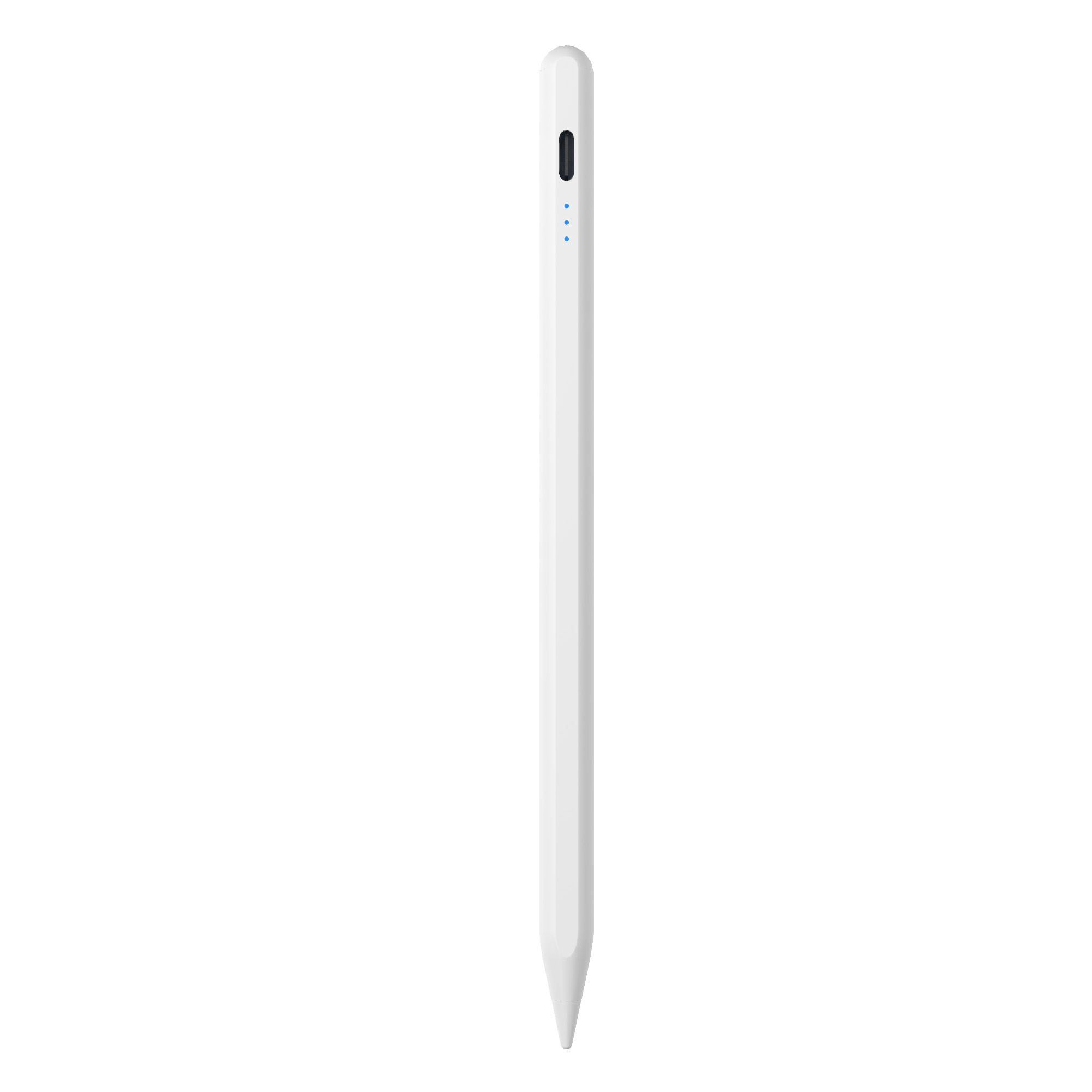
Jiayao Stylus: fast, flexible, reliable stylus pen manufacturing from Dongguan, China. Product specifications quoted in this article are as published by the manufacturer and should be confirmed in writing before ordering.
Have Questions or Need More Details?
Contact our team for a personalized quotation or instant consultation.
Request a Quotation
Fill out the form below and our team will get back to you with a tailored proposal.
WhatsApp Direct Chat
Prefer to chat in real-time? Message us on WhatsApp for instant assistance & quick answers.
- Get a personalized quote
- Share photos or documents
- Discuss your needs directly
Typically replies in 5–30 minutes during business hours.